What Are the Best AI Video Generators in 2026?
The search for the best AI video generator 2026 has never been more overwhelming. Creators, marketers, and businesses are producing more video content than ever — but editing timelines, voiceover costs, and production bottlenecks kill momentum fast. The promise of AI video tools is real: cut production time by 80%, eliminate expensive talent fees, and scale content output without scaling your team. The problem? Most tools either look cheap, lack voice quality, or require a PhD to operate.
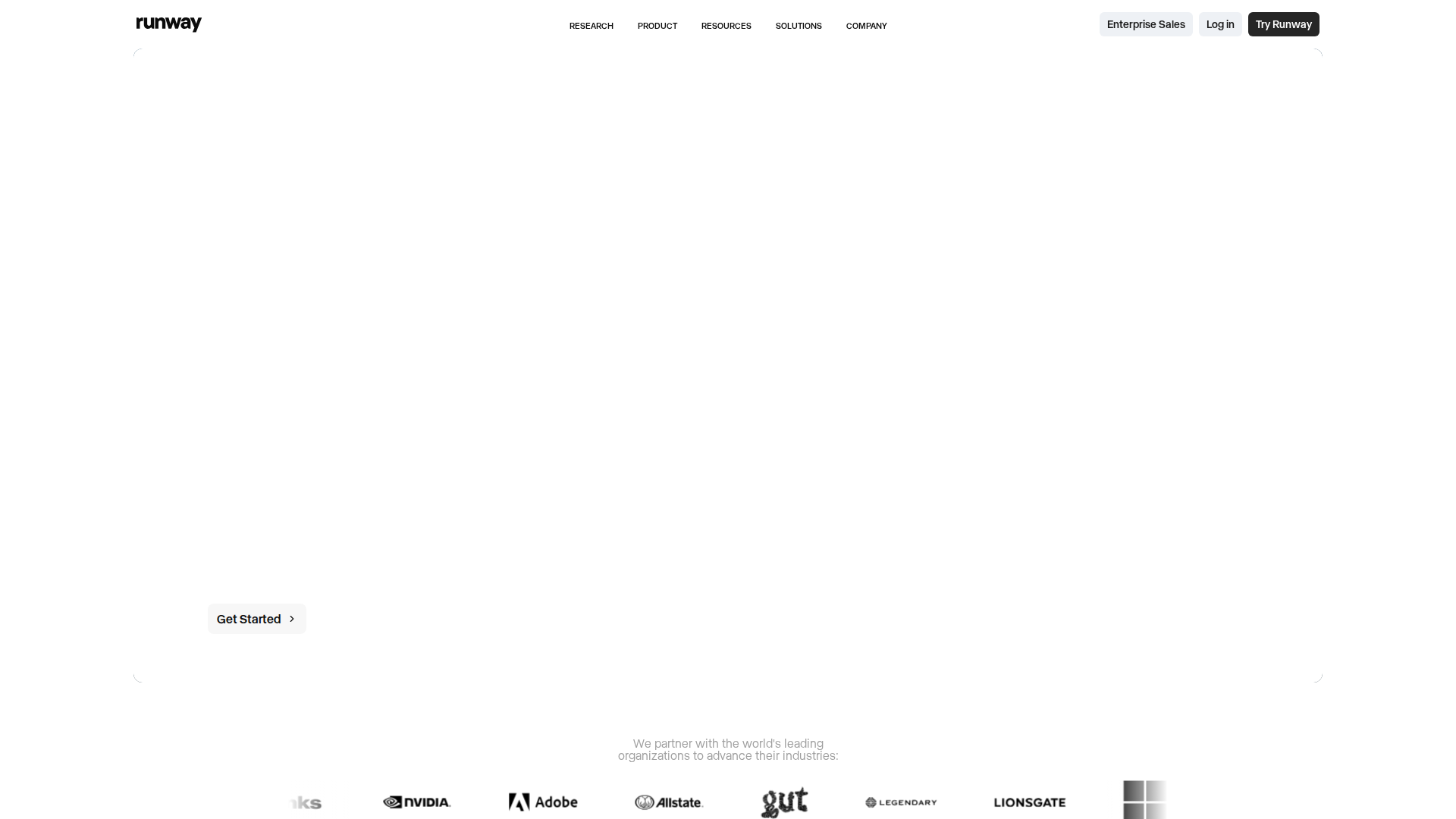
In 2026, the leading AI video platforms have matured significantly. Tools like Runway, Synthesia, Kling, Pika Labs, and ElevenLabs-powered solutions now cover everything from text-to-video generation to hyper-realistic AI avatars and studio-quality voiceovers. This guide compares the top contenders across features, pricing, and real-world usability — so you can stop trialing and start creating.
Key Features Across the Best AI Video Tools in 2026
- Text-to-Video Generation (Runway Gen-3, Kling 1.5): Input a text prompt and receive a 4–10 second cinematic clip with motion, lighting, and scene composition handled automatically. Runway’s Motion Brush lets you direct movement on specific objects within a frame.
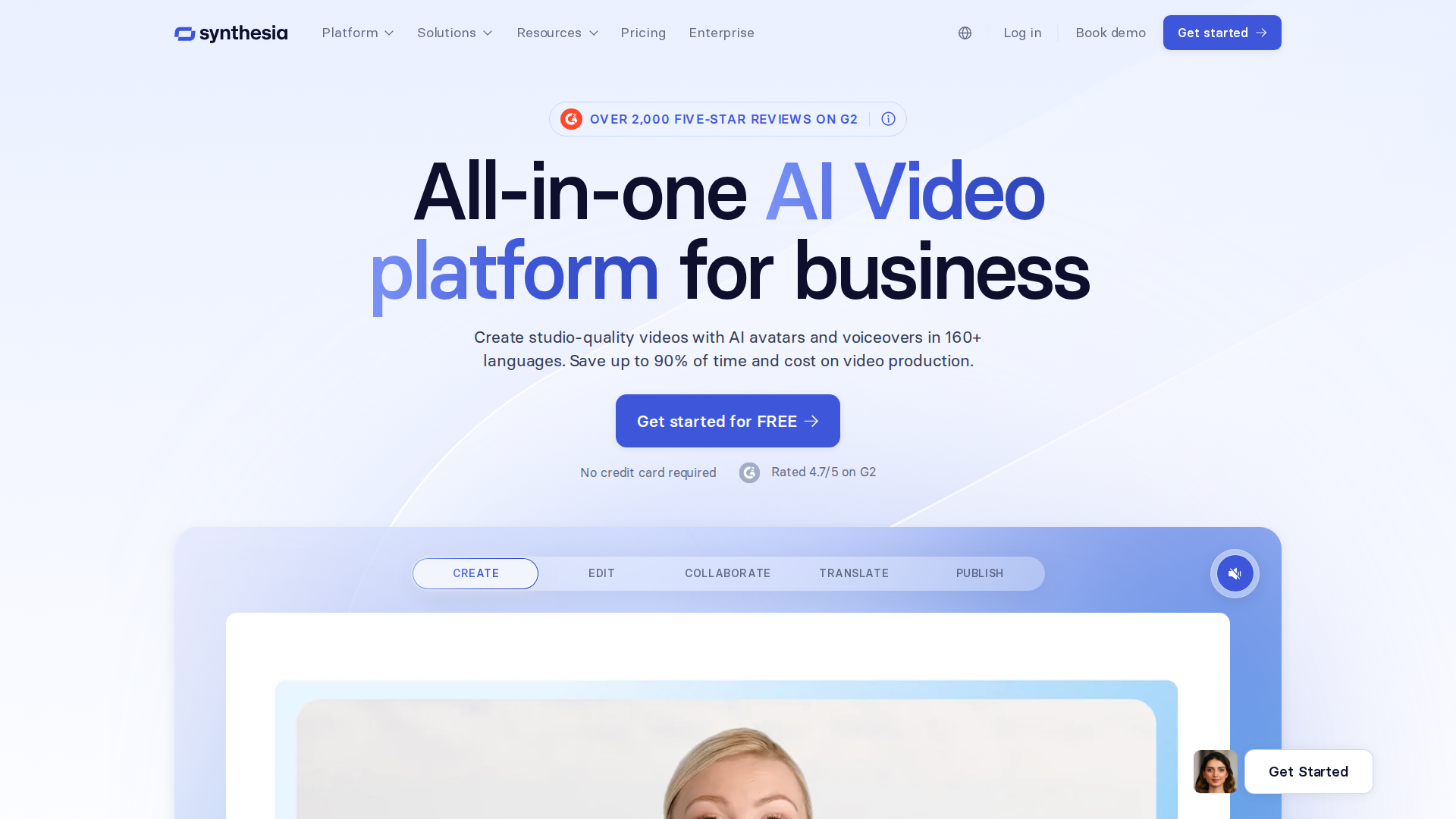
- AI Avatar Presenters (Synthesia, HeyGen): Choose from 200+ photorealistic avatars or clone your own likeness. Avatars lip-sync to uploaded scripts in 130+ languages — no camera, no studio, no reshoots.
- AI Voiceover with Emotional Range (ElevenLabs): ElevenLabs remains the gold standard for AI voice in 2026. Its Voice Design tool generates custom voices from scratch, while Dubbing Studio auto-translates and re-voices existing video content while preserving the original speaker’s tone and pacing.
- Automated Video Editing (Descript, CapCut AI): Descript’s Overdub and Scene Detection auto-cut footage, remove filler words, and generate chapters from transcripts. CapCut’s AI B-roll feature matches stock footage to your script automatically.
- Image-to-Video Animation (Pika Labs, Stable Video Diffusion): Upload a static image and animate it — character movement, camera pan, zoom effects — without any manual keyframing. Pika’s Pikaffects add physics-based motion like melting, exploding, or inflating objects.
Pricing: What Do the Best AI Video Generators Cost in 2026?
Pricing varies dramatically by use case. Here’s a realistic breakdown of the major players:
- ElevenLabs: Free plan (10,000 chars/month); Starter at $5/mo; Creator at $22/mo; Pro at $99/mo. The free tier is genuinely useful for testing.
- Runway: Free plan (125 credits); Standard at $15/mo; Pro at $35/mo; Unlimited at $95/mo.
- Synthesia: Starter at $29/mo (limited scenes); Creator at $89/mo; Enterprise pricing on request. No meaningful free plan.
- HeyGen: Free plan (1 video/month, watermarked); Creator at $29/mo; Business at $89/mo.
- Pika Labs: Free plan available; Basic at $8/mo; Pro at $28/mo. Is it worth it? For anyone producing more than 4 videos per month professionally, even the mid-tier plans pay for themselves in saved editing and voiceover costs within the first week.
Pros and Cons
Pros
- Dramatic time savings: What took a 3-person team two days now takes one person two hours — text-to-video and avatar tools have genuinely closed that gap in 2026.
- Voice quality is finally broadcast-ready: ElevenLabs’ latest models produce voices indistinguishable from human narrators in blind tests, removing the last major quality barrier.
- Multilingual output at scale: Auto-dubbing in 30+ languages means a single video asset can serve global markets without re-recording anything.
- Low barrier to entry: Free tiers across most tools mean you can validate your workflow before spending a dollar.
Cons
- Consistency across shots is still a problem: Text-to-video tools like Runway and Pika still struggle to maintain character consistency across multiple clips — a known limitation that requires workarounds.
- Credit systems are confusing and punishing: Most platforms use opaque credit models where a single 10-second 4K render can burn through a week’s allocation. Budget carefully.
- Avatar uncanny valley: Despite improvements, Synthesia and HeyGen avatars still trigger discomfort in some audiences, particularly for emotional or sensitive content.
- No tool does everything well: You’ll likely need 2–3 tools in a stack (e.g., ElevenLabs for voice, Runway for visuals, Descript for editing) — which adds cost and complexity.
Pricing
| Plan | Price | Best For |
|---|---|---|
| Free | $0/month | Casual users and basic short clips |
| Starter | $19/month | Freelancers and content creators |
| Pro | $49/month | Small businesses and marketing teams |
| Enterprise | $149/month | Large teams and high-volume production |
Who Should NOT Use These AI Video Tools
If you’re producing narrative films, documentaries, or any content where authentic human emotion and visual continuity are non-negotiable, current AI video generators are not ready to replace traditional production — the inconsistency and artificiality will undermine your credibility. Similarly, creators on a strict zero-budget who need polished, watermark-free output will hit the limits of free tiers almost immediately and find the upgrade costs hard to justify without existing revenue.
My Verdict
Across the landscape of the best AI video generators in 2026, the overall ecosystem earns a strong 8.5/10. The tools have matured from party tricks into legitimate production assets. For marketers, educators, YouTubers, and business content teams, the ROI is clear. The voice layer — powered by ElevenLabs — is where the stack truly comes together, turning robotic narration into a genuine competitive advantage. Start there, build your workflow around it, and layer in video generation tools as your needs grow.
FAQ
What is the best AI video generator in 2026 for beginners?
For beginners, HeyGen and CapCut AI offer the most accessible entry points — both have free tiers, intuitive interfaces, and template libraries that get you to a finished video in under 30 minutes. Pair either with ElevenLabs for voiceover and you’ll have a genuinely professional-sounding result without any prior editing experience.
Which best AI video generator 2026 tool is right for faceless YouTube channels?
Faceless YouTube creators typically get the best results stacking Runway or Pika for visuals, ElevenLabs for narration, and Descript for final editing and captions. This trio covers the full production pipeline and keeps costs under $60/month combined — well within reach for channels monetizing at even modest levels.
Is there a free best AI video generator in 2026 that doesn’t add watermarks?
Most free tiers in 2026 still apply watermarks — Pika, HeyGen, and Runway all do on free plans. ElevenLabs is a notable exception for audio: its free tier produces clean, watermark-free voice output up to 10,000 characters per month, making it the best free starting point in any AI video stack.