What is Copy.ai?
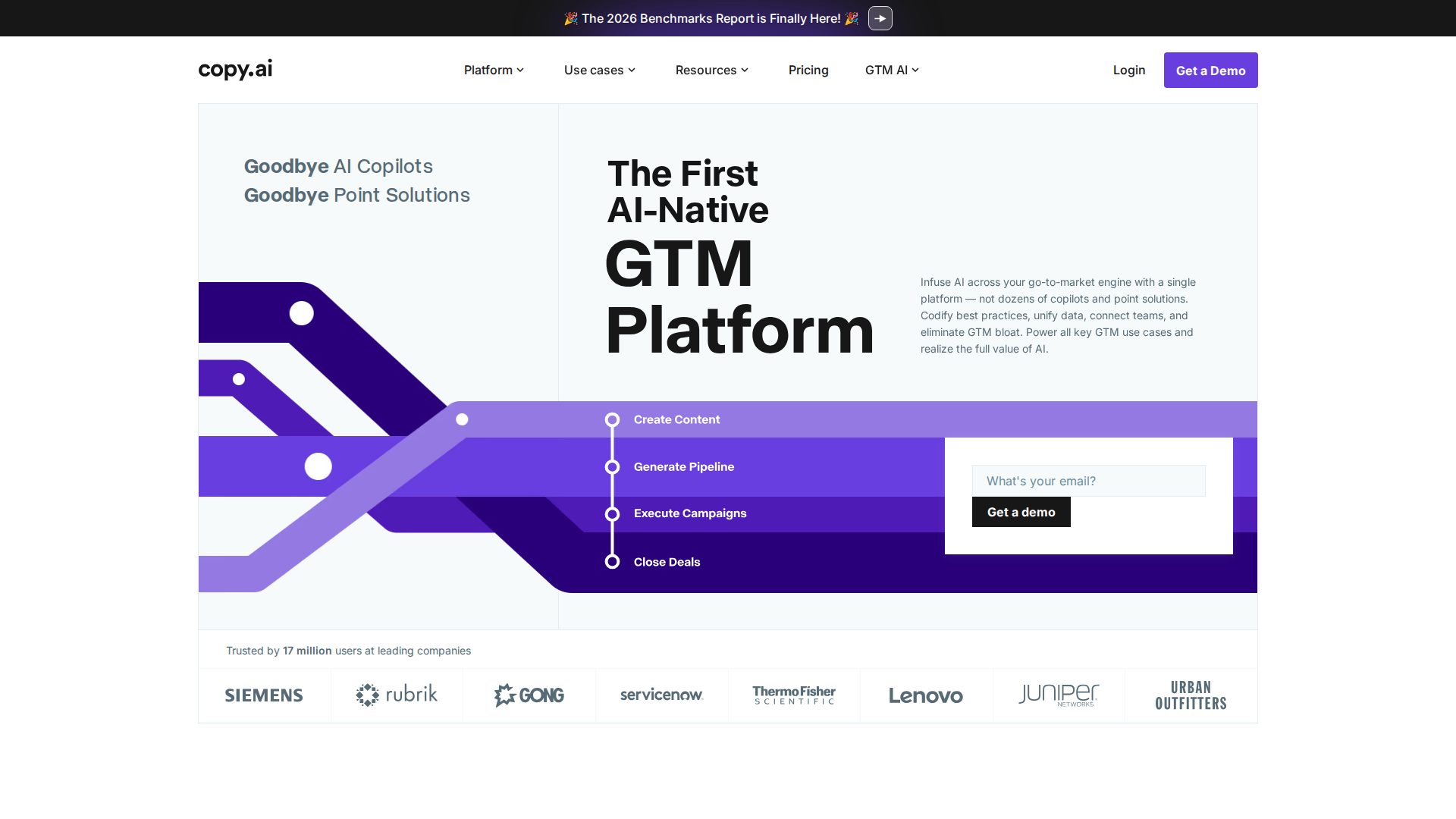
Copy.ai is an AI content platform built around workflow automation — not just text generation. Launched in 2020 and now used by over 10 million marketers, it lets teams build end-to-end pipelines that generate, structure, and export social media ad copy without manual handoffs between tools or team members.
Where most AI writers stop at drafting a headline, Copy.ai’s Workflows feature chains prompts, brand data, and structured outputs together. Feed it a product list and a target audience; get 50 platform-ready ad variations in a single run.
Key Features
Workflows — The Core Differentiator
Workflows is what separates Copy.ai from every other AI writing tool. You build multi-step automations that pull from brand guidelines, CSV uploads, or CRM data and output structured ad copy at scale. For social media ads specifically:
- Batch generation: Upload a product catalog, get 100 ad variations in minutes
- Brand Voice lock: Every output references your Infobase rules — tone stays consistent automatically
- Platform-specific formatting: Separate character-limited outputs for Meta, TikTok, LinkedIn, and X
- Approval loops: Built-in review steps gate copy before it exits the workflow
Infobase (Brand Memory)
Store brand guidelines, tone of voice, competitor positioning, and product specs once. Every workflow and chat session pulls this context automatically — no more repeating instructions with every prompt. This is the best brand-memory implementation currently available in an AI writing tool.
Chat + Workflows Hybrid
The Chat interface works like ChatGPT but with Infobase always active. Use Chat for one-off headlines; use Workflows for volume ad production. Both modes share the same output history and brand context.
Pre-built Social Ad Templates
Over 90 social-specific templates cover Facebook conversion ads, Instagram Stories, LinkedIn Sponsored Content, TikTok scripts, and Pinterest descriptions. Each template includes character-limit guidance and CTA placement recommendations.
API + Zapier / Make Integration
Workflows trigger via API or connect to Zapier, Make, and HubSpot natively. A new SKU added to your CMS can automatically trigger an ad copy workflow and push drafts into a shared doc or Notion database — no developer required for basic setups.
Pricing
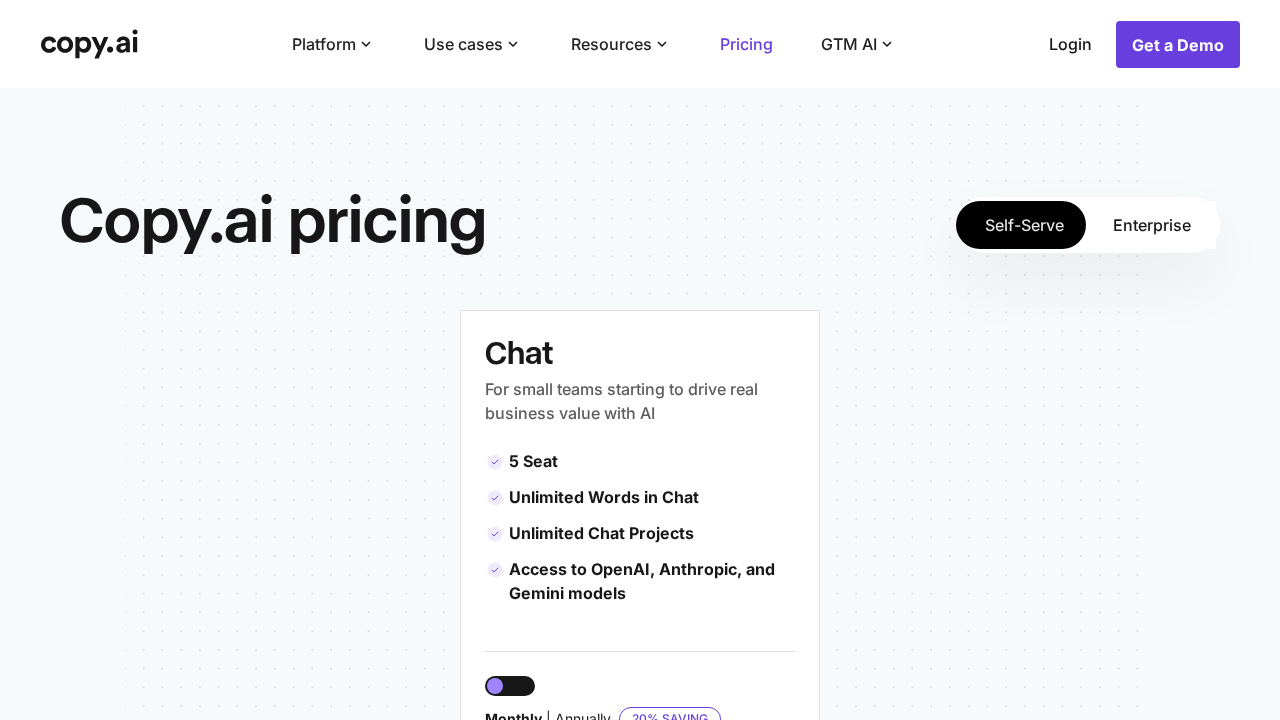
| Plan | Price | Words/month | Workflows |
|---|---|---|---|
| Free | $0 | 2,000 | 1 (limited) |
| Starter | $49/mo | Unlimited | 5 |
| Advanced | $249/mo | Unlimited | Unlimited |
| Enterprise | Custom | Unlimited | Unlimited + SSO |
The Advanced plan at $249/mo is where workflow automation fully unlocks. For agencies or in-house teams running multiple campaigns simultaneously, the ROI math is straightforward: saving 10 hours of copywriter time per month at any reasonable rate covers the cost.
Pros and Cons
Pros
- Workflow automation genuinely eliminates hours of manual ad copy production
- Infobase brand memory is best-in-class — no more context-repeating in prompts
- Platform-specific templates are practical and well-calibrated to character limits
- API access enables full pipeline integration with ad managers
- Unlimited words on all paid plans — no credit anxiety mid-campaign
Cons
- Workflow builder has a real learning curve — budget 2–3 hours to master it
- Advanced plan is expensive for solo freelancers managing one or two clients
- Output still needs human review in compliance-heavy industries (finance, health)
- No native publishing to Meta Ads Manager or other ad platforms — Zapier required
- Free tier word limit is too low for meaningful workflow testing
Who Should NOT Use Copy.ai
- Freelancers with one client: The Starter plan works, but 5 workflow limit caps quickly — and the jump to Advanced is steep
- Regulated industries: Finance or pharma ad copy needs legal review regardless; automation does not reduce compliance risk
- Teams needing native ad publishing: Copy.ai writes the copy — it does not push it live. For an all-in-one solution, evaluate AdCreative.ai instead
- One-off caption writers: If you need two captions a week, ChatGPT Plus or free tools handle it fine at zero cost
Verdict
Copy.ai earns a strong recommendation for any marketing team producing social ads at volume. The Workflows engine is the real product — and it delivers. Infobase brand memory keeps every output on-tone without hand-holding, and the batch generation capability is a genuine time multiplier when you are running 10+ ad sets simultaneously.
The pricing gap between Starter and Advanced is a legitimate friction point, and the absence of native ad-platform publishing is a workflow gap that Zapier only partially bridges. But for what it promises — automated, scalable, brand-consistent social ad copy — Copy.ai is among the top two tools in its category. Rating: 8.5/10.
FAQ
Can Copy.ai post directly to Facebook or Instagram?
No. Copy.ai generates and organizes ad copy but does not publish natively to Meta or other ad platforms. Use the Zapier integration or API to push outputs to your ad manager or a scheduling tool like Buffer.
Is Copy.ai worth it for a solo marketer?
The Starter plan at $49/mo gives unlimited words and 5 workflows — sufficient for one person managing two or three active campaigns. Beyond that, the Advanced plan becomes necessary and the price jumps significantly.
How does Copy.ai compare to Jasper for social ads?
Both are strong. Copy.ai wins on workflow automation depth and batch production; Jasper wins on SEO-integrated long-form content. For pure social ad copy at scale, Copy.ai’s Workflows edge out Jasper’s Campaigns feature in flexibility and output volume.
Does Copy.ai support languages other than English?
Yes — Copy.ai supports 29+ languages including Spanish, French, German, Portuguese, and Japanese. English output is significantly more consistent; non-English results should be reviewed by a native speaker before ad spend.
What AI model powers Copy.ai?
Copy.ai uses GPT-4 as its base model and layers proprietary prompt architecture and the Workflows engine on top. The brand-memory and multi-step logic are Copy.ai’s own systems, not off-the-shelf GPT features.