Overview
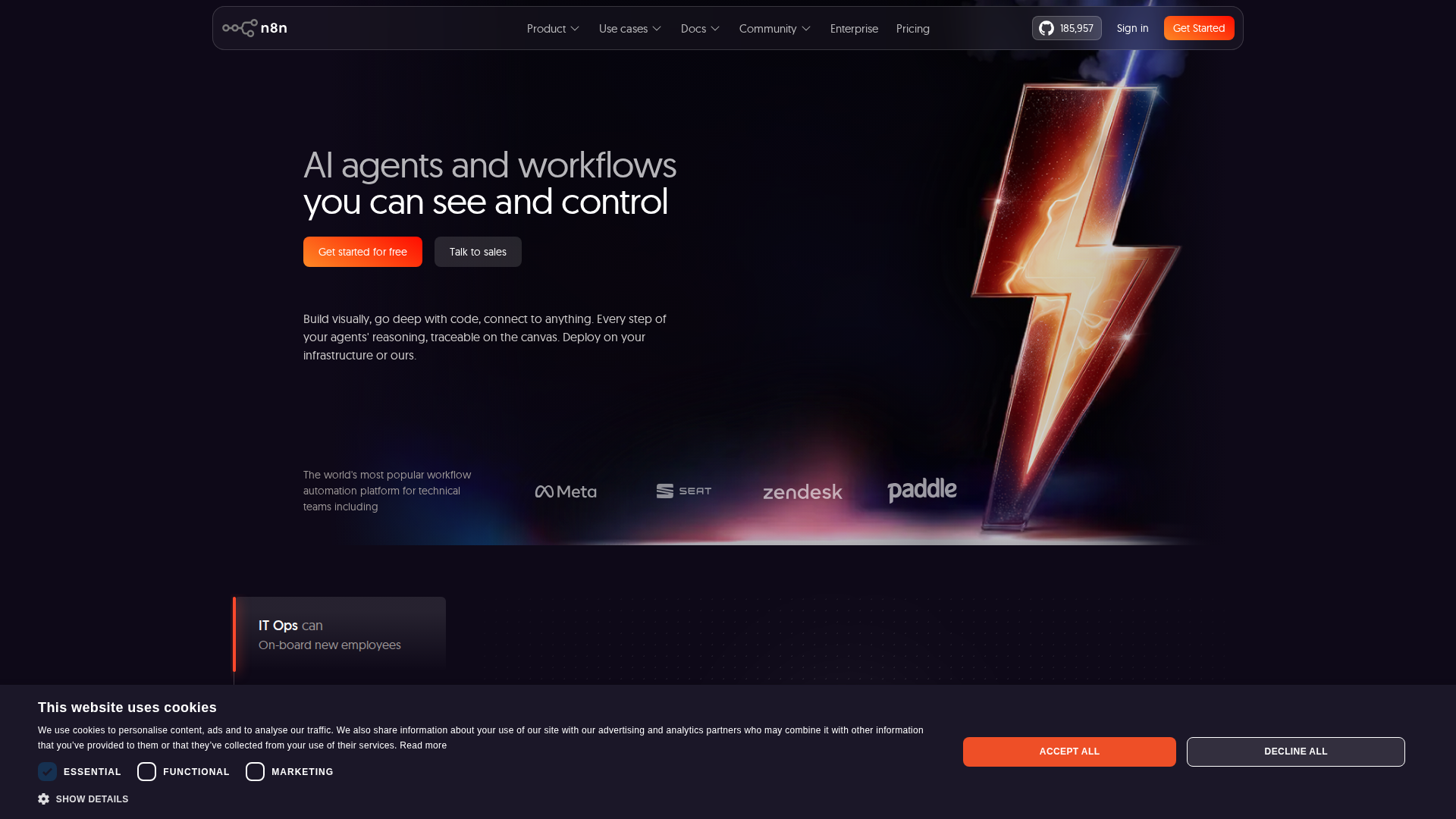
If you’ve ever felt buried under repetitive tasks — sending follow-up emails, syncing data between apps, or generating weekly reports — you’re not alone. I spent months manually handling these workflows until I discovered N8N , a powerful open-source automation platform that completely transformed how I run my business. Unlike expensive tools like Zapier or Make, N8N lets you self-host your automations, giving you full control over your data and unlimited workflow executions without ballooning subscription costs. In this step-by-step guide, I’ll show you exactly how I set it up and what results I achieved.
Key Features
Step 1 – Install N8N: Getting started is surprisingly simple. You can deploy N8N via Docker, npm, or use their cloud-hosted version at n8n.io. I chose the self-hosted Docker route for full data ownership. Just run docker run -it --rm --name n8n -p 5678:5678 n8nio/n8n and you’re live in under five minutes.
Step 2 – Connect Your Apps: N8N supports over 400 native integrations including Gmail, Slack, HubSpot, Airtable, Shopify, Google Sheets, and even OpenAI. I connected my CRM, email platform, and Slack in one afternoon. Each connection uses a simple credential manager — no coding required.
Step 3 – Build Your First Workflow: N8N uses a visual node-based editor. My first workflow automatically pulled new leads from a Typeform submission, added them to HubSpot, sent a personalized welcome email via Gmail, and posted a Slack notification to my sales team — all in real time. Building this took less than 30 minutes.
Step 4 – Add Logic and Conditions: What makes N8N stand out is its support for IF/ELSE logic, loops, and JavaScript code nodes. I added conditional logic so that leads from specific industries were tagged differently and routed to separate email sequences. This level of customization is rarely available in no-code tools at this price point.
Step 5 – Schedule and Monitor: Using N8N’s built-in Cron node, I scheduled automated daily reports that pull data from Google Analytics, format it in Google Sheets, and email a summary to my team every morning at 8 AM. The execution log makes it easy to debug any failed runs instantly.
Results After 90 Days: After three months using N8N, I reclaimed roughly 15 hours per week of manual work. My lead response time dropped from hours to seconds, and my team’s productivity visibly improved. The self-hosted plan costs me around $10/month in server fees — compared to $100+/month I was paying for Zapier.
Verdict
N8N is hands-down one of the best automation investments I’ve made for my business. It’s flexible enough for technical users who want to write custom JavaScript, yet visual enough for non-developers to build powerful workflows without touching a single line of code. If you’re serious about scaling your business operations without scaling your headcount, N8N is the tool I’d recommend first. Try N8N free today and start automating your most time-consuming tasks in under an hour. For teams that need enterprise features or managed hosting, their cloud plan offers a generous free tier to get started risk-free.