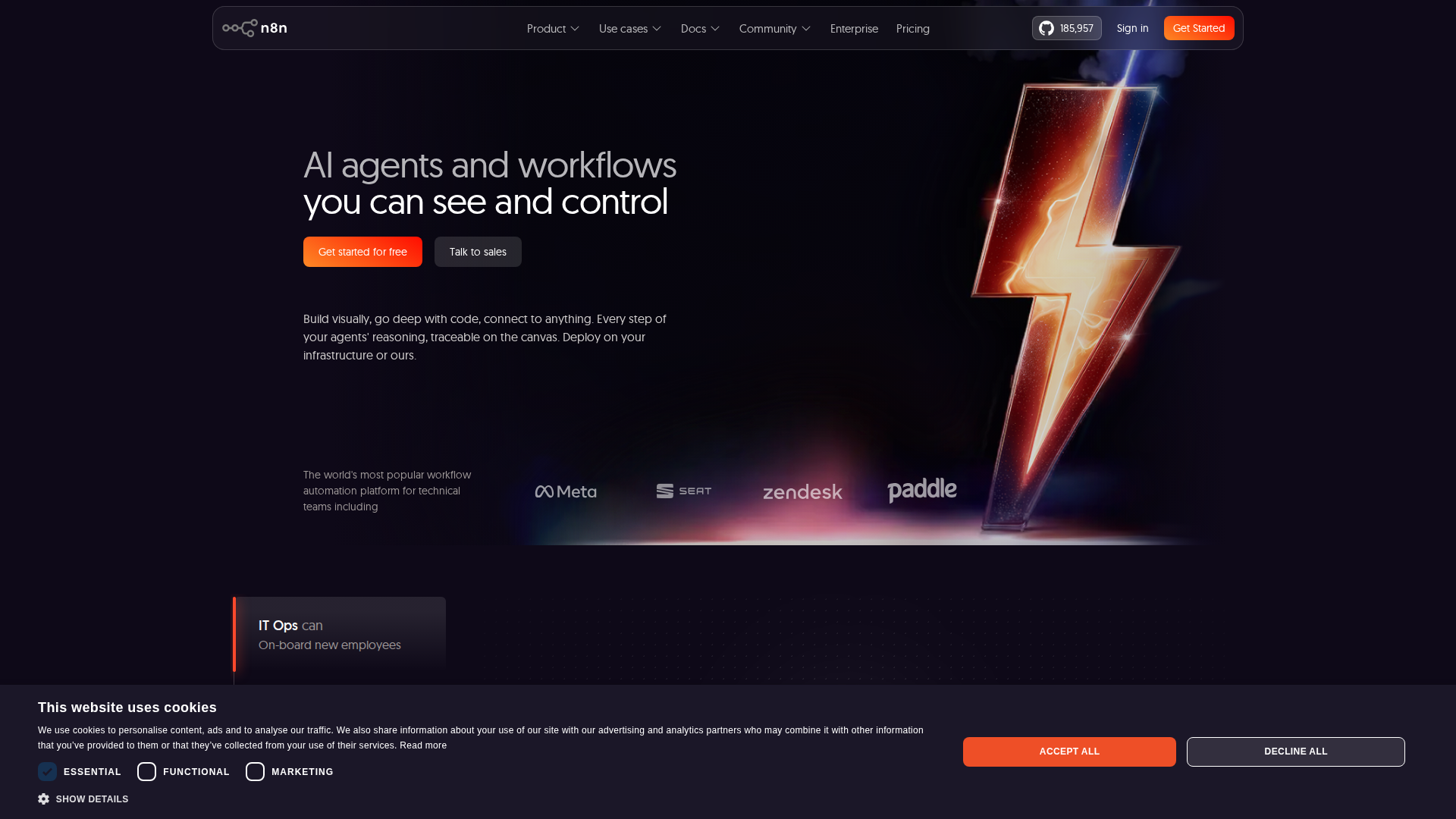
What is n8n?
n8n (pronounced ‘nodemation’) is an open-source, node-based workflow automation platform that lets individuals and teams connect apps, APIs, and services without writing extensive code. Launched in 2019, it has grown into one of the most flexible automation tools on the market — and in 2026, it continues to evolve with powerful AI-native features that put it firmly in competition with Zapier, Make (formerly Integromat), and Microsoft Power Automate.
Unlike many SaaS-only automation tools, n8n offers a self-hosted option, giving technical teams full control over their data and infrastructure. Its visual canvas-based editor makes building complex, multi-step workflows intuitive, while its code nodes allow developers to drop into JavaScript or Python when needed.
Whether you are a solo developer automating repetitive tasks, a marketing team syncing CRM data, or an enterprise building AI-powered pipelines, n8n positions itself as a tool that scales with your ambition.
Key Features
- Visual Workflow Builder: A drag-and-drop canvas lets you connect nodes representing triggers, actions, and logic. Branching, merging, and looping are all handled visually, making complex workflows readable at a glance.
- 400+ Integrations: n8n supports over 400 native integrations in 2026, including Slack, Google Workspace, HubSpot, Salesforce, Airtable, OpenAI, Anthropic Claude, and dozens of databases. An HTTP Request node means virtually any REST API is reachable.
- AI Agent Nodes: One of n8n’s biggest 2025–2026 additions is its AI Agent framework. You can build autonomous AI agents that use tools, memory, and reasoning chains — all within the same visual canvas. This makes it a genuine contender as an AI orchestration layer.
- Code Nodes (JS & Python): When no-code falls short, drop in a Function node and write custom logic. This hybrid approach is a major differentiator for developer-heavy teams.
- Self-Hosting Option: Deploy n8n on your own server, VPS, or Kubernetes cluster. This is critical for teams with strict data residency or compliance requirements.
- Error Handling & Retry Logic: Built-in error workflows, retry on failure, and execution logs make production deployments reliable.
- Version Control & Collaboration: The cloud and enterprise tiers include Git-based version control, environments (dev/staging/prod), and role-based access control (RBAC).
- Execution History & Debugging: Every workflow run is logged with full input/output data per node, making debugging fast and transparent.
Pricing
n8n offers a tiered pricing model as of May 2026. Prices below are approximate and subject to change — always verify on the official n8n website.
PlanPriceBest ForCommunity (Self-Hosted)FreeDevelopers, hobbyists, full controlStarter (Cloud)$20/monthIndividuals and small projectsPro (Cloud)$50/monthGrowing teams needing more executionsEnterpriseCustomLarge orgs needing SSO, RBAC, SLAs
The free self-hosted tier is genuinely powerful — you get the full feature set with no execution limits beyond your own server capacity. Cloud plans are priced per execution bundle, which can add up for high-volume workflows, so self-hosting often makes economic sense for power users.
Pros and Cons
Pros
- Open-source and self-hostable — full data ownership and no vendor lock-in
- Extremely flexible — handles simple automations and complex AI agent pipelines equally well
- Strong AI-native features — LLM nodes, agent frameworks, and vector store integrations built in
- Active community — thousands of workflow templates and an engaged forum
- Code escape hatch — JavaScript and Python nodes prevent dead ends
- Transparent execution logs — debugging is fast and intuitive
- Competitive pricing — especially the free self-hosted tier
Cons
- Learning curve — more complex than Zapier for absolute beginners
- Self-hosting requires DevOps knowledge — Docker, server management, and updates are your responsibility
- Cloud execution limits — high-volume use cases can get expensive on cloud plans
- UI can feel cluttered — very large workflows become hard to navigate
- Some integrations are community-maintained — quality and update frequency vary
Who Should NOT Use n8n
n8n is a powerful tool, but it is not the right fit for everyone. You should probably look elsewhere if:
- You want zero technical involvement. If you are a non-technical business user who wants to set up automations in minutes with no learning curve, Zapier or Make may serve you better. n8n rewards those willing to invest time in understanding its model.
- You need guaranteed enterprise SLAs on a tight budget. The free self-hosted tier requires you to manage uptime yourself. If you need 99.9%+ uptime guarantees without internal DevOps resources, a fully managed platform may be safer.
- Your stack is entirely Microsoft-centric. Teams deeply embedded in Microsoft 365, Azure, and Teams may find Power Automate integrates more natively with their existing licenses.
- You only need one or two simple automations. For very basic use cases like ‘email me when a form is submitted,’ the setup overhead of n8n may not be justified.
Verdict
After extensive testing in 2026, n8n earns a strong 8.5 out of 10. It is one of the most capable automation platforms available today, particularly for teams that want to blend traditional workflow automation with AI agent capabilities. The open-source, self-hosted model is a genuine competitive advantage — no other major automation tool gives you this level of control at zero licensing cost.
The slight deductions come from its steeper learning curve compared to consumer-grade tools and the operational overhead of self-hosting. But for developers, technical teams, and AI-forward businesses, these are acceptable trade-offs for the flexibility and power n8n delivers.
If you are evaluating automation tools in 2026 and you have even moderate technical capability, n8n deserves a serious look. Try n8n for free today and see how quickly you can build your first workflow.
FAQ
Is n8n really free?
Yes — the self-hosted Community edition is completely free with no execution limits. You pay only for your server costs. Cloud plans start at around $20/month for managed hosting.
How does n8n compare to Zapier in 2026?
n8n is more powerful and flexible than Zapier, especially for complex, multi-step, or AI-driven workflows. Zapier is easier for beginners and has a larger library of polished integrations. For technical users, n8n typically wins on capability and cost.
Can n8n build AI agents?
Yes. n8n introduced dedicated AI Agent nodes that support tool use, memory, and multi-step reasoning. You can connect OpenAI, Anthropic, or local LLMs and build autonomous agents directly in the workflow canvas.
Is n8n suitable for enterprise use?
Yes, with the Enterprise plan. It includes SSO, RBAC, audit logs, Git-based version control, and dedicated support. Many mid-to-large companies run n8n in production at scale.
What programming languages does n8n support in code nodes?
n8n supports JavaScript (Node.js) and Python in its code nodes, giving developers significant flexibility to handle edge cases that visual nodes cannot cover.
How secure is n8n?
When self-hosted, security is largely in your hands — you control the environment, credentials, and network access. The cloud version uses encryption at rest and in transit. n8n credentials are stored encrypted in the database regardless of deployment method.