What is Tabnine?
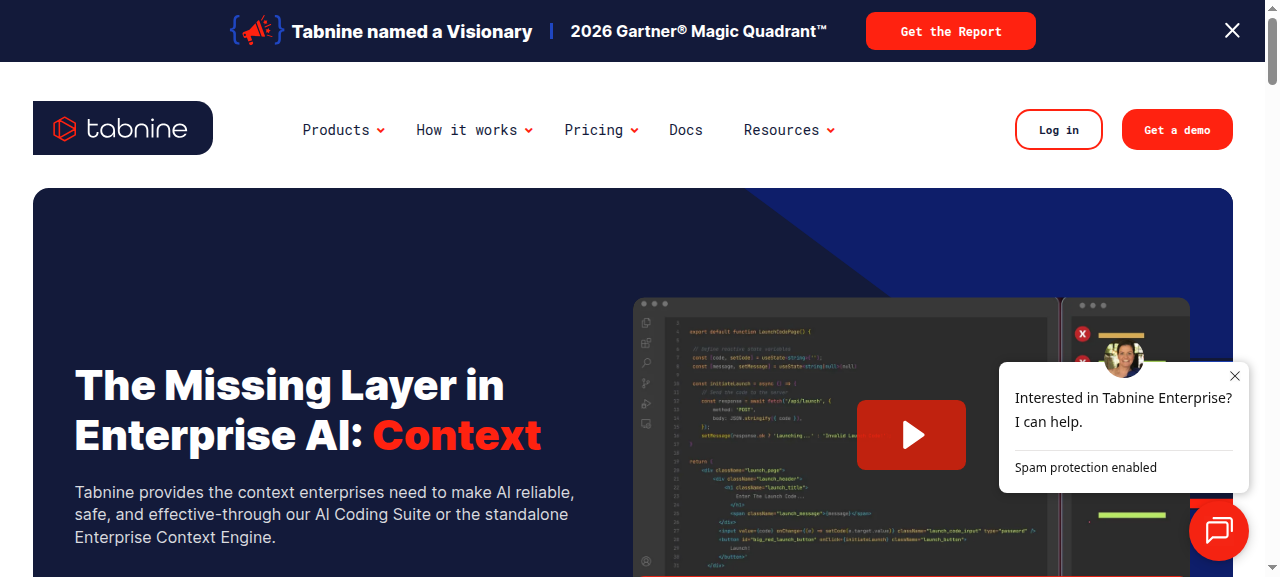
Tabnine is an AI code completion assistant built around one core promise: your code never leaves your infrastructure. Originally launched as a lightweight autocomplete plugin, it has evolved into a full agentic coding platform. In 2026, Tabnine made a significant strategic shift — dropping individual plans entirely and repositioning itself as an exclusively team and enterprise product. That one decision defines everything about who Tabnine is for in this comparison.
Tabnine vs Cursor: Key Differences
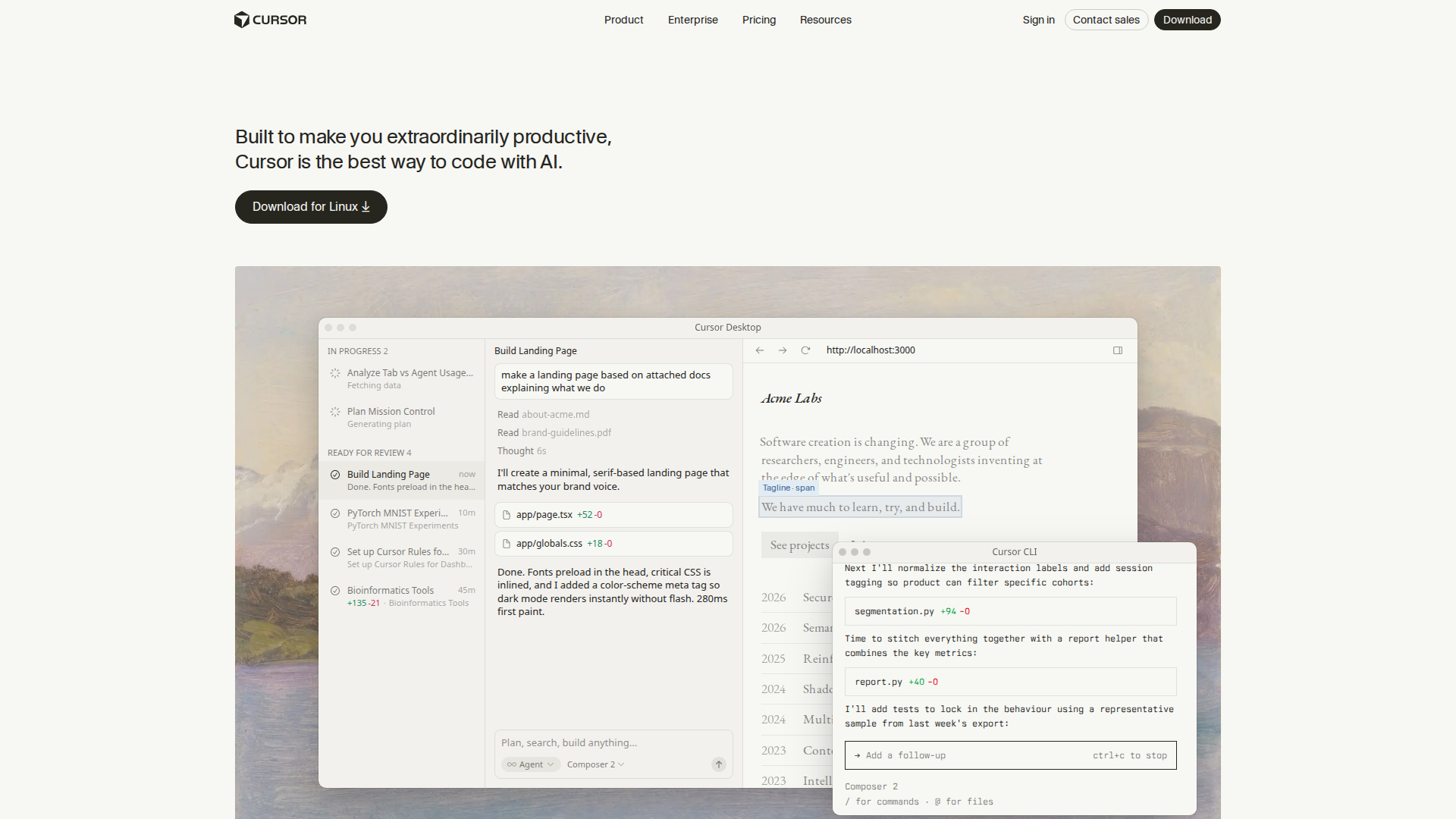
The core split is privacy vs capability. Cursor is an AI-native editor that wins on raw coding power — inline edits, multi-file refactoring, and agent mode built for solo developers moving fast. Tabnine wins for teams under GDPR, HIPAA, or other compliance mandates where sending code to an external cloud is simply not allowed.
| Feature | Tabnine | Cursor |
|---|---|---|
| Self-hosted / on-prem | Yes | No |
| IDE support | VS Code, JetBrains, Vim, and others | Cursor editor only (VS Code fork) |
| Individual plan | Discontinued in 2026 | Free tier + $20/mo Pro |
| Agent mode | Agentic Platform tier | Built-in, all tiers |
| Code privacy | Best-in-class | Code sent to external servers |
| Starting price | $39/user/month (annual) | $0 (Hobby) / $20/mo (Pro) |
Key Features
- Privacy-first architecture: Tabnine supports self-hosted and on-premises deployments — the only major AI coding tool in this comparison to keep your codebase entirely off external servers. This is its clearest differentiator versus Cursor and GitHub Copilot.
- IDE-agnostic integration: Unlike Cursor, which requires switching to a forked editor, Tabnine works inside your existing environment — VS Code, all major JetBrains IDEs (IntelliJ, PyCharm, WebStorm), Vim, Neovim, and more.
- Codebase-aware completions: Tabnine learns from your team’s private codebase to suggest completions that match internal conventions and patterns, without sending that code to a third-party model provider.
- Agentic Platform tier: The higher-tier plan adds multi-step agent workflows for more complex refactoring and generation tasks, competing with Cursor’s agent mode at the enterprise level.
- Enterprise security controls: SSO, audit logs, role-based access controls, and compliance certifications ship as core features rather than add-ons.
Pricing
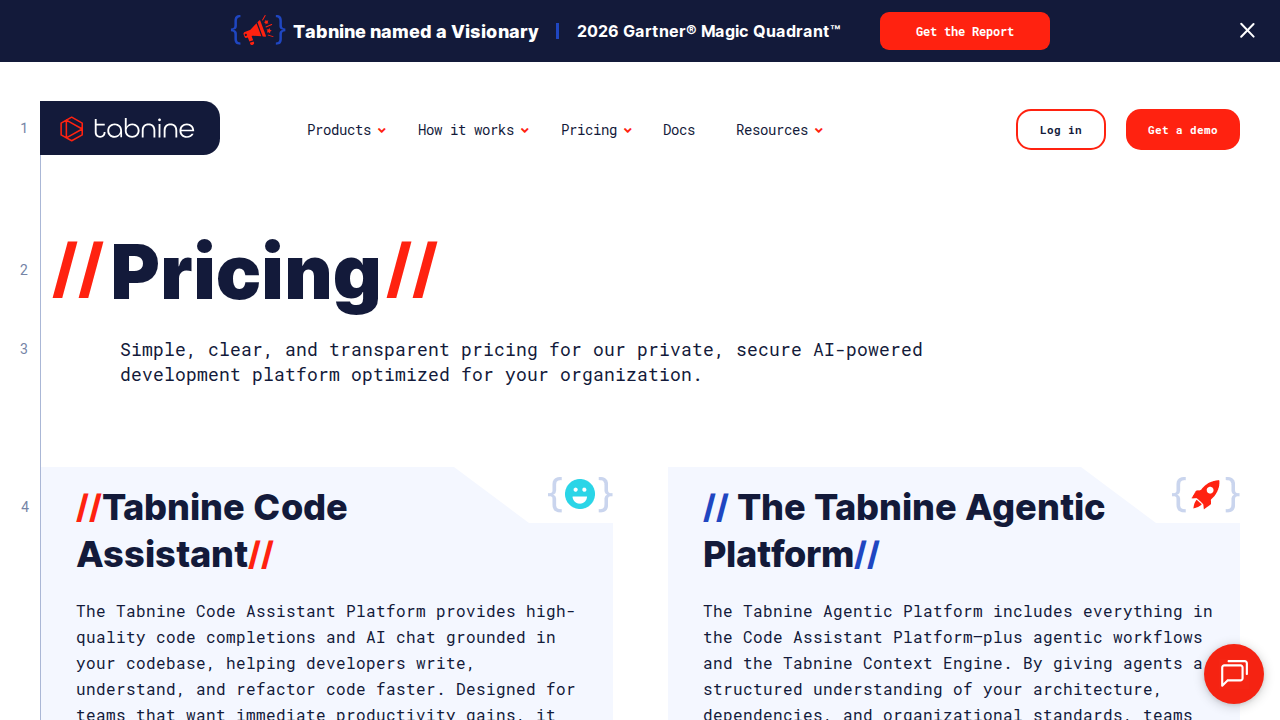
Key 2026 change: Tabnine has discontinued individual plans. It is now exclusively a team and enterprise product, with two tiers — both billed annually:
- Code Assistant: $39/user/month — core AI completion, IDE plugins, and team management features.
- Agentic Platform: $59/user/month — adds multi-step agent workflows and advanced automation.
Neither plan is available on a monthly basis. A limited Dev Preview free tier may exist for evaluation purposes, but Tabnine no longer markets itself to individual developers.
For context: Cursor Pro is $20/month per developer with no annual lock-in, and GitHub Copilot is $10/month for individuals and $19/user/month for teams. Tabnine is more expensive at the base tier, but self-hosted deployment is an option neither competitor offers — which is the entire justification for the premium in compliance-driven environments.
Pros and Cons
Pros
- Best-in-class data privacy: self-hosted and on-premises deployment available
- Works inside your existing IDE — no forced editor switch
- Strong enterprise controls: SSO, audit logs, and compliance certifications
- Codebase-aware suggestions that stay private to your team
- Agentic tier adds multi-step automation at the enterprise level
Cons
- No individual plan — solo developers are no longer a supported use case
- Expensive: $39–$59/user/month with mandatory annual commitment
- Cursor outperforms Tabnine on raw AI capability and agent mode breadth
- Slower feature velocity than Cursor in 2025–2026
- Requires editor plugins rather than a purpose-built AI editor experience
Who Should NOT Use Tabnine
- Solo developers: Tabnine dropped individual plans. Cursor ($20/mo) or GitHub Copilot ($10/mo) are the right starting points.
- Developers who want the fastest AI editor experience: Cursor’s inline editing, multi-file refactoring, and agent mode are widely considered more capable for rapid solo development in 2026.
- Budget-conscious small teams: At $39/user/month annually, teams without strict compliance requirements will find GitHub Copilot Teams at $19/user/month substantially more cost-effective.
- Teams that want flexibility: The annual-only billing and enterprise focus mean Tabnine requires organizational commitment before you can evaluate it at scale.
Verdict
In the Tabnine vs Cursor debate for 2026, the winner depends entirely on your context. Cursor is the better tool for solo developers and fast-moving teams who want the most capable AI coding experience available today. Tabnine is the better tool for regulated enterprises — healthcare, finance, legal, defense — where GDPR compliance, on-premises deployment, and audit logs are non-negotiable requirements, not nice-to-haves.
What makes 2026 different is that Tabnine made this split explicit. By discontinuing individual plans and pricing at $39–$59/user/month with annual commitments, it has walked away from the solo developer market entirely. That is a defensible strategy for a product whose main value is privacy — but it means the comparison with Cursor is no longer apples-to-apples. They are now solving different problems for different buyers.
If you are an individual developer or a small team without compliance requirements, start with Cursor or GitHub Copilot. If your legal or security team would block any tool that sends code to an external cloud, Tabnine is likely your only viable option in this category — and the premium is justified.
FAQ
Does Tabnine have a free plan in 2026?
Individual free plans have been discontinued. Tabnine is now positioned as a team and enterprise product. A limited Dev Preview tier may be available for evaluation, but it is no longer a free tool for solo developers.
Is Tabnine better than Cursor?
For privacy-first enterprise teams that need on-premises deployment: Tabnine. For solo developers and teams wanting maximum AI capability with no compliance constraints: Cursor. They target different buyers in 2026.
Can Tabnine run on-premises?
Yes. Self-hosted and on-premises deployment is Tabnine’s primary differentiator versus Cursor and GitHub Copilot, both of which send code to external servers.
What IDEs does Tabnine support?
VS Code, all major JetBrains IDEs (IntelliJ, PyCharm, WebStorm, and others), Vim, Neovim, and several additional editors. Tabnine operates as a plugin inside your existing IDE, unlike Cursor which is a standalone editor.
How does Tabnine pricing compare to Cursor in 2026?
Tabnine Code Assistant starts at $39/user/month (annual only). Cursor Pro is $20/month with no annual lock-in, and Cursor Teams is $40/user/month. Tabnine costs more at the base tier but includes self-hosting options that Cursor does not offer.
Sources checked: checkthat.ai — Cursor vs Tabnine Pricing 2026 | DecideNavigator — Cursor vs Tabnine 2026 | Markaicode — Tabnine vs Cursor | RateTheTool — AI Code Assistants 2026