
What is Copy.ai?
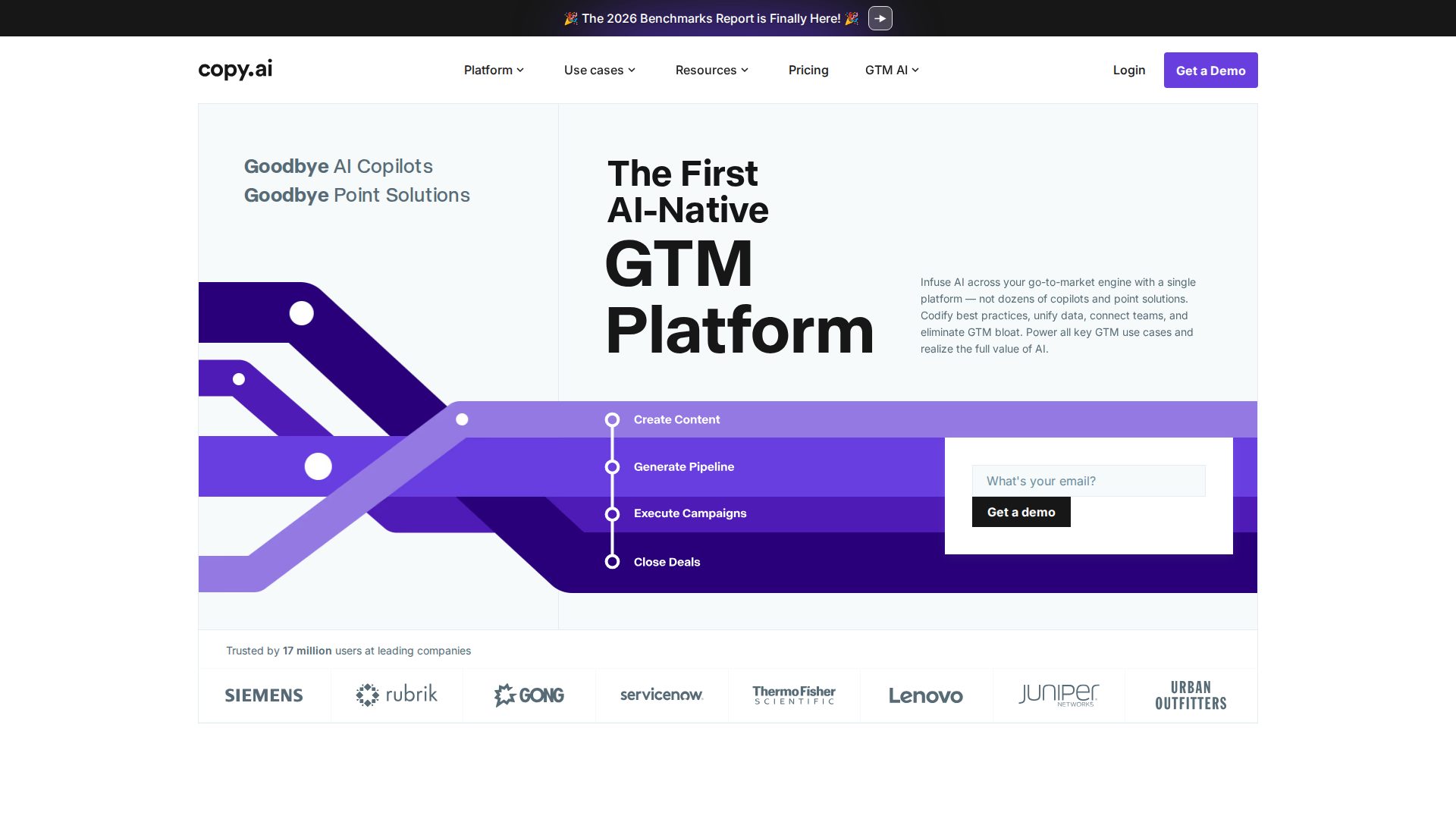
Copy.ai started life as an AI copywriting assistant, but the product you find in 2026 is something meaningfully different. It has evolved into what the company calls a GTM AI platform — infrastructure for automating go-to-market operations across marketing and sales teams. If you signed up years ago expecting a headline generator, you may be surprised by how far the scope has expanded.
The centerpiece of that evolution is Workflows: multi-step automated pipelines that chain research, AI writing, personalization, and output steps into repeatable processes. For beginner marketing teams with repetitive content tasks, this is where Copy.ai earns its keep.
Copy.ai Workflows: A Beginner Tutorial
According to Copy.ai’s own Workflows 101 guide, the core idea is straightforward: identify any repetitive task your team handles every day — researching prospects, drafting content, tracking performance — and automate it as a Workflow so the same quality output runs at scale with minimal manual effort.
Step 1 — Pick One Repetitive Task
The most common beginner mistake is trying to automate everything at once. Start with a single, well-defined task: generating LinkedIn posts from blog URLs, writing personalized cold emails from a prospect list, or producing product descriptions from a spreadsheet. Workflows pay off fastest when the same process runs on many inputs.
Step 2 — Start From a Template
Copy.ai provides pre-built Workflow templates organized by use case — content, SEO, sales outreach, and more. For beginners, starting from a template is significantly faster and less error-prone than building a custom flow from scratch. Browse by goal and pick the closest match.
Step 3 — Map Your Inputs
Each Workflow has defined input fields. Map your data — a URL, a product name, a prospect company, a keyword — to the corresponding field. Enterprise users can feed in bulk CSV data for large-scale runs; Self-Serve users work with individual or small-batch inputs.
Step 4 — Run a Small Batch First
Before scaling, run the Workflow on five to ten rows. Review the AI outputs critically — check tone, accuracy, and relevance. Copy.ai’s interface lets you adjust individual prompt steps without rebuilding the entire flow, so iteration is straightforward.
Step 5 — Scale and Integrate
Once quality is confirmed, run the Workflow across your full dataset. Enterprise plans unlock API access and bulk Workflow runs, allowing this step to fit neatly inside an existing marketing tech stack without manual intervention.
Key Features
Workflow Builder
The core product for teams. Build, modify, and run automated pipelines for any repeatable GTM task. Pre-built templates reduce setup time; custom steps allow advanced users to chain multiple AI actions together.
Template Library
A broad library of templates covers ad copy, email subject lines, blog intros, product descriptions, social posts, and more. Useful for one-off tasks and as starting points inside larger Workflows.
Integrations
Enterprise users get 20+ tech integrations and API access for bulk runs. Self-Serve users access core chat and basic automation. Integration depth is the primary differentiator between the two tiers.
Multi-Language Support
Copy.ai outputs content in multiple languages — useful for marketing teams running international campaigns without dedicated translation workflows.
Chat Interface
A conversational interface available on Self-Serve plans for on-demand writing tasks, brainstorming, and quick content generation outside of structured Workflows.
Pricing
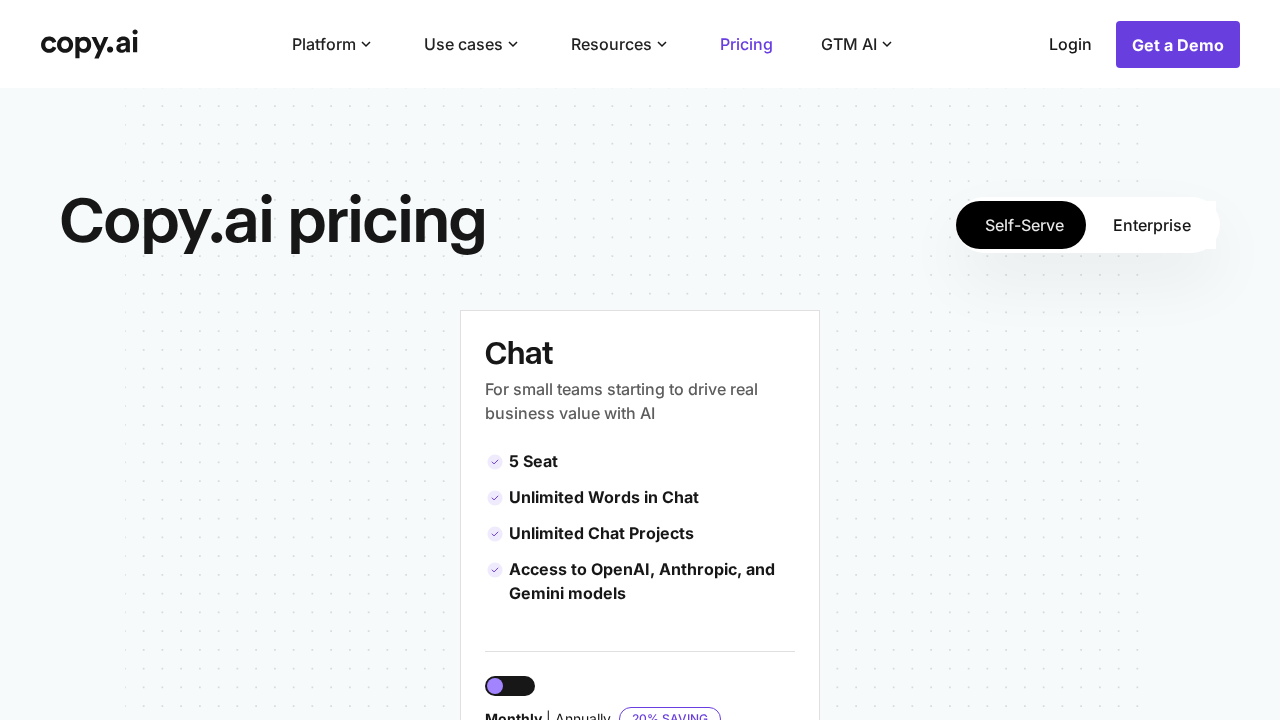
Copy.ai offers two main tiers as of 2026:
- Self-Serve — Designed for small teams getting started. Includes chat and access to core Workflow functionality. A free trial is available. For current pricing, check copy.ai/prices directly, as plan details have changed alongside the product pivot.
- Enterprise — Custom pricing, requires a demo. Includes all advanced features plus guided implementation, API access, bulk Workflow runs, 20+ integrations, unlimited customizable Workflows, a designated account team, and enterprise-grade security protocols.
Note: Specific dollar amounts for the Self-Serve plan are not clearly listed in publicly available documentation at time of writing. Verify current pricing at the official pricing page before making a purchasing decision.
Pros and Cons
Pros
- Workflows genuinely automate repetitive GTM tasks — real time savings for lean marketing teams
- Pre-built templates lower the barrier to entry for beginners with no technical background
- Strong enterprise feature set: API access, bulk runs, 20+ integrations, unlimited Workflows
- Multi-language support for international content production
- Free trial available before committing to a paid plan
- Iterative Workflow editing — adjust individual steps without rebuilding from scratch
Cons
- Pricing transparency is limited — Self-Serve costs are not prominently disclosed in public documentation
- The most powerful features (bulk API runs, integrations) require Enterprise custom pricing and a sales demo
- The pivot to GTM platform can confuse users expecting a straightforward AI writing assistant
- Some documented user complaints around billing expectations (per SaasFlags review data)
- Advanced custom Workflow building has a meaningful learning curve beyond pre-built templates
Who Should NOT Use Copy.ai
- Solo freelancers needing occasional one-off copy — simpler, cheaper tools exist for that use case
- Teams with no repetitive GTM processes — Workflows only deliver ROI when the same task runs at volume
- Highly regulated industries where every output requires legal or compliance review — AI copy still needs human sign-off
- Budget-constrained teams who need transparent, fixed pricing upfront — the Enterprise tier requires committing to a sales process before costs are disclosed
Verdict
Copy.ai has made a credible and committed pivot from AI copywriter to workflow automation platform. For beginner marketing teams running repetitive content and GTM tasks, the Workflows feature delivers genuine productivity gains — and the template library makes the tool approachable without requiring technical skills.
The primary friction points are pricing opacity and the fact that the features most valuable at scale — bulk API runs, deep integrations — sit behind Enterprise custom pricing. For small teams just starting out, the Self-Serve plan with a free trial is a low-risk entry point. For larger organizations, budget time for a demo and a thorough integration audit before committing.
Bottom line: Copy.ai is a solid choice for marketing teams ready to automate their content pipelines. The Workflows system is the real product — if structured automation is not your use case, a simpler AI writing tool will serve you better at lower cost.
Sources Checked
- Copy.ai Pricing Page — copy.ai/prices
- Workflows 101: How to Build, Modify, and Run at Scale — Copy.ai Blog
- How to Use Copy.ai: A Complete Guide for Marketers and Teams — TechSifted
- Copy.ai Complaints and Hidden Fees — SaasFlags
FAQ
Is Copy.ai good for beginners?
Yes, particularly because of its pre-built Workflow templates. The interface is designed to be accessible, and you do not need coding or technical skills to run basic automation pipelines. Starting from a template rather than building custom is the recommended beginner path.
What are Copy.ai Workflows?
Workflows are multi-step automated pipelines that chain data inputs, AI writing steps, and outputs together. They allow marketing teams to run the same repeatable process — such as generating personalized outreach emails or drafting blog posts from keywords — across large datasets without manual repetition.
Does Copy.ai have a free plan?
Copy.ai offers a free trial on its Self-Serve tier. For current plan availability and pricing, check the official pricing page at copy.ai/prices, as this has changed as the product has evolved.
What is the difference between Copy.ai Self-Serve and Enterprise?
Self-Serve is designed for small teams and includes chat and core Workflow functionality. Enterprise adds API access, bulk Workflow runs, 20+ tech integrations, unlimited customizable Workflows, a dedicated account team, and enterprise-grade security. Enterprise requires a custom demo for pricing.
How does Copy.ai compare to alternatives like Jasper or Writesonic?
Copy.ai’s primary differentiator as of 2026 is its GTM Workflow depth — the ability to chain multi-step automated pipelines for marketing and sales operations. Jasper and Writesonic offer comparable AI writing features, but Copy.ai’s positioning is more explicitly around workflow automation at scale rather than standalone content generation.