What is Notion AI?
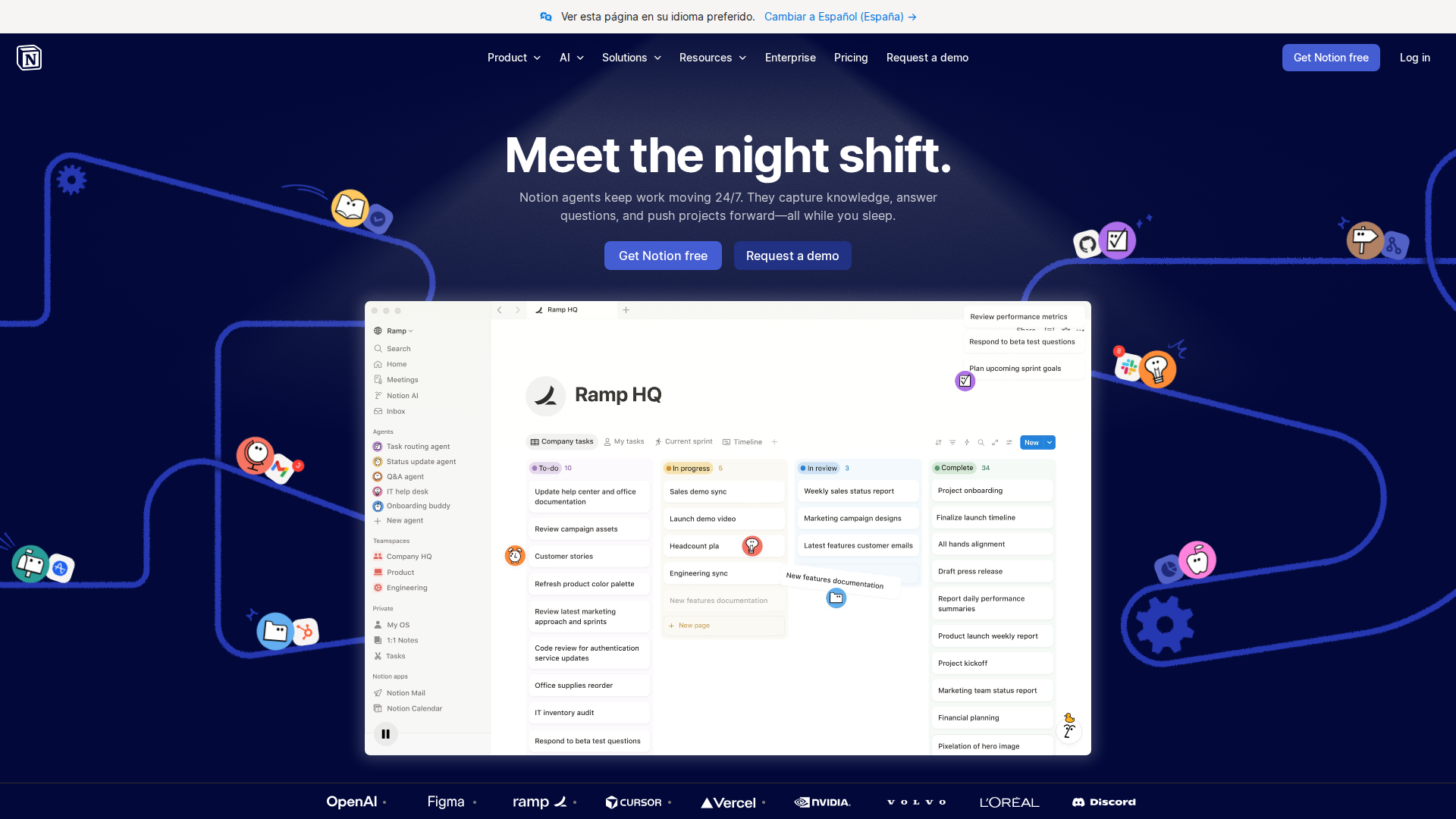
Notion AI is the artificial-intelligence layer built directly into Notion — the all-in-one workspace used by millions of individuals, freelancers, and teams. On top of Notion’s flexible database and block-based editing system, Notion AI adds auto-fill, smart summaries, and AI-assisted writing inside your pages. Applied to finance, this means you can ask the AI to categorise expenses, summarise monthly spending, or draft a budget narrative from the data already living in your workspace.
Finance dashboard templates turbo-charge the setup: instead of building a tracker from scratch, you start from a ready-made database structure that already has the formulas, views, and linked tables configured for income tracking, expense management, and savings goals. Hundreds of these templates are available in the Notion Marketplace — many for free.
Key Features
- Income and expense tracking — log transactions manually or import from CSV; Notion’s relation and rollup properties calculate category totals automatically.
- Budget vs. actuals dashboard — chart and gallery views give an at-a-glance monthly snapshot without leaving Notion.
- Savings goal tracker — set a savings target, track progress with a formula-driven progress bar, and let Notion AI write a weekly status summary.
- AI-powered financial summaries — highlight a table of transactions and ask Notion AI to identify spending patterns, flag anomalies, or draft a monthly financial review in seconds.
- Dual-currency support — community templates such as the Personal Finance Dashboard for dual-currency earners let you track income and expenses in two currencies with automatic conversion columns.
- Highly customisable structure — because Notion is a blank canvas, you can add properties, change categories, and connect finance pages to project or client dashboards without switching tools.
- Template marketplace — free and paid templates — including the Finance Tracker 2026 and Budget Tracker Dashboard and the Finance and Money Tracking Dashboard — are rated 5.0 by verified Marketplace buyers.
Pricing
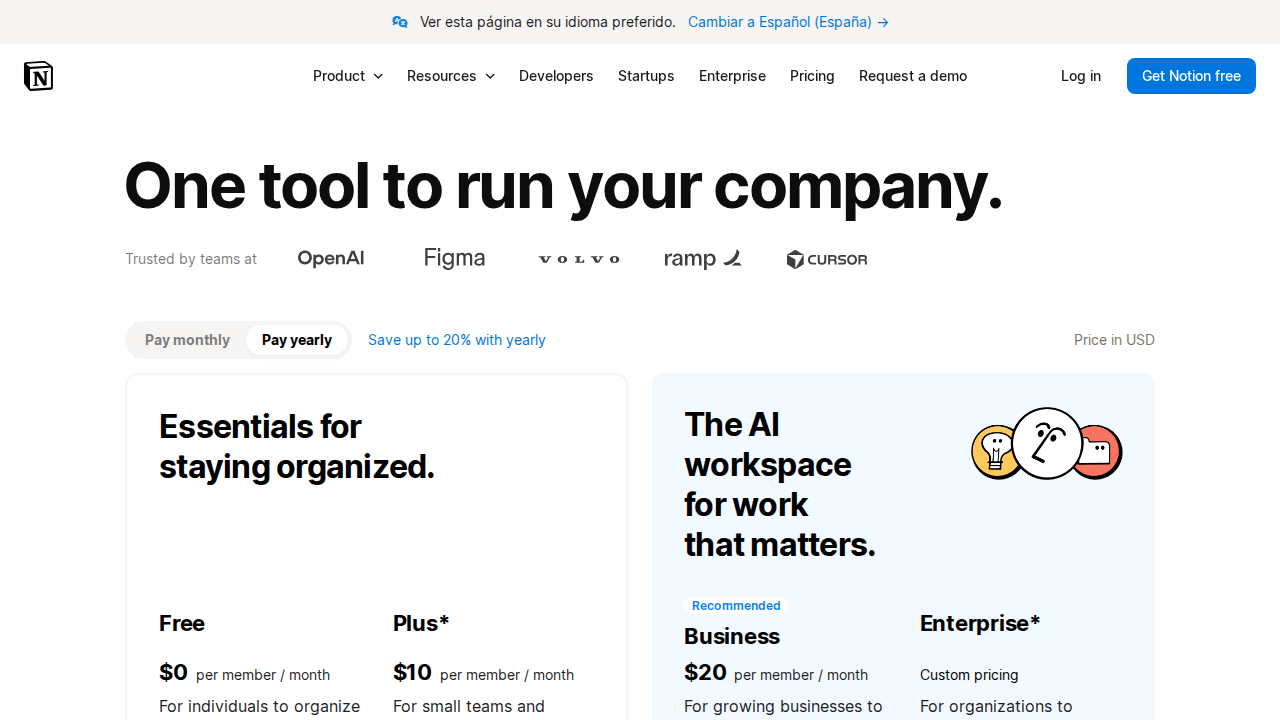
Notion’s core workspace includes a free plan. Notion AI is a paid add-on on top of that.
- Notion free plan — full database and template access with no AI features included.
- Notion AI add-on — approximately $10 per user per month (billed annually), as reported by multiple 2026 sources. Solo users who need to upgrade their base plan to access AI may land closer to $20 per month total when both costs are combined (AI Vault, July 2026).
- AI credit system introduced May 2026 — Notion added a usage-based credit layer in May 2026: $10 per 1,000 AI credits consumed beyond the plan allowance. Users running frequent AI summaries on large finance databases should budget for potential overages (AI Vault, July 2026).
- Finance templates themselves — the vast majority of Notion Marketplace finance templates are free. A small number from independent creators carry a one-time fee set by the creator, not by Notion.
Important: Notion has revised its pricing structure multiple times in 2026. Always verify current pricing at notion.so before purchasing.
Pros and Cons
Pros
- Flexible enough to model any budget structure — no rigid, locked-in categories.
- AI summaries save real time on monthly and quarterly financial reviews.
- Large library of free, community-built finance dashboard templates in the Marketplace.
- Works as an all-in-one workspace — finances sit alongside projects, notes, and client work.
- Strong support for freelancers, variable-income earners, and dual-currency users.
- Top templates carry 5.0-star ratings from verified buyers.
Cons
- No native bank sync — every transaction must be entered manually or imported via CSV.
- The May 2026 credit-overage system makes true monthly cost harder to predict for heavy AI users.
- Setup requires time; beginners may find Notion’s relational database logic overwhelming.
- Not purpose-built for finance — lacks double-entry bookkeeping, investment tracking, and bank-grade compliance features.
- Pricing tier changes in 2026 have created confusion for existing subscribers.
Who Should NOT Use Notion AI
- Users who need automatic bank sync — dedicated finance apps connect directly to bank accounts; Notion does not.
- Teams needing audit-ready financial reporting — Notion is a productivity workspace, not accounting software. It has no audit trail, compliance layer, or double-entry bookkeeping.
- Users on a tight budget — the free plan excludes AI, and the paid tiers plus potential credit overages add up quickly.
- Anyone wanting zero setup — even the best templates require configuration to match your specific income streams and spending categories.
- Businesses replacing accounting software — Notion finance dashboards complement tools like QuickBooks or Xero; they do not replace them.
Verdict
Notion AI finance dashboard templates hit a genuine sweet spot for freelancers, remote workers, and personal finance enthusiasts who want full control over their money tracking without being locked into a rigid app. The combination of flexible databases, AI-powered summaries, and a thriving template marketplace means you can get a polished budget dashboard running in an afternoon — and adapt it as your financial situation evolves.
The caveats are real: no bank sync, a pricing structure that grew more complex after the May 2026 credit system change, and a steeper learning curve than a dedicated finance app. But if you already work in Notion daily and want your budget in the same workspace as your projects and notes, this is one of the most capable setups available in 2026. Power users will love the flexibility; those who want plug-and-play simplicity should look elsewhere.
Rating: 8.0 / 10
Sources checked
- AI Vault — Notion AI Review 2026: What $20/Month Actually Buys (Jul 2026)
- Notion Marketplace — Finance Tracker 2026 and Budget Tracker Dashboard
- TimeKnot Blog — Best Free Notion Finance Templates 2026
- AIToolPick Blog — How to Use Notion for Personal Finance 2026
- TechRepublic — Notion Review: Pricing, Features and Alternatives
FAQ
Are Notion finance dashboard templates free?
Most templates in the Notion Marketplace are free. Some creator-built templates carry a one-time fee set by the individual creator. You do not need a Notion AI subscription to use the templates themselves — AI features are an optional paid add-on.
Does Notion AI connect to my bank account?
No. Notion has no native bank sync as of 2026. You must enter or import transactions manually. If automatic bank connection is a priority, consider dedicated personal finance apps instead.
What is the best Notion finance template in 2026?
The Notion Marketplace hosts several highly-rated options, including the Finance Tracker 2026 and Budget Tracker Dashboard and the Finance and Money Tracking Dashboard, both rated 5.0 by verified buyers. The best fit depends on your income structure — freelancers with variable income or dual-currency needs may benefit from specialist community templates.
How much does Notion AI cost in 2026?
Based on 2026 sources, Notion AI is available as an add-on starting around $10 per user per month (billed annually). Since May 2026 a credit-based system for AI usage has added potential overages at $10 per 1,000 credits. Verify current pricing at notion.so before purchasing, as plan details have changed several times this year.
What are the best Notion AI alternatives for finance?
For automated finance tracking with bank sync: YNAB, Monarch Money, or Copilot. For flexible workspace alternatives to Notion itself: Airtable, Coda, and Microsoft Loop are the most-cited competitors in 2026.