
What is InVideo AI?
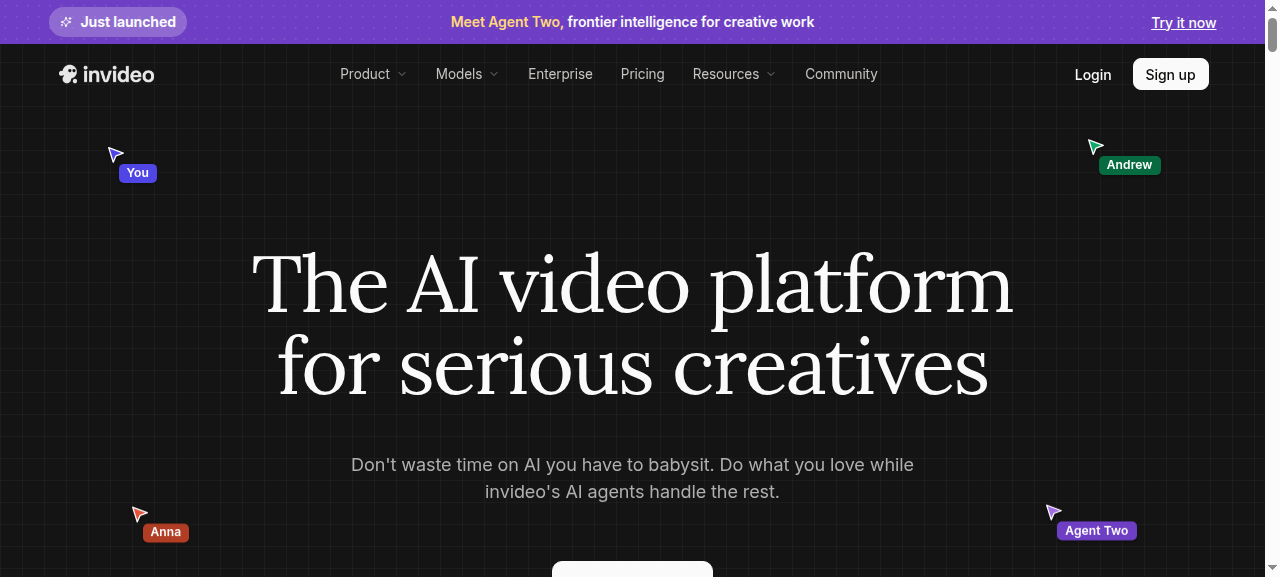
InVideo AI is a browser-based video creation platform that turns a plain-English prompt into a fully scripted, voiced, and edited YouTube video — no timeline experience required. You describe your topic, the AI writes the script, picks stock footage, adds a voiceover, and hands you a ready-to-export file.
Its closest competitor for YouTube is Pictory AI. Both tools target faceless channel creators and marketers, both start at a similar price point, but they work in fundamentally different ways — and that difference determines which one belongs in your workflow.
Key Features
- AI video generation from prompts — describe a topic, get a scripted, voiced, and assembled video in minutes without touching an editor.
- 4,000+ customizable templates — covers YouTube intros, explainers, listicles, product reviews, and branded social clips.
- Traditional timeline editor — unlike Pictory, InVideo gives you drag-and-drop timeline control for granular adjustments after AI generation.
- AI voice cloning — Plus plan includes 2 voice clones; Max plan adds 5, letting you maintain a consistent channel voice at scale.
- Licensed iStock footage — baked-in stock library reduces copyright claim risk on monetized YouTube channels.
- 4K export — available on Max plan and above, useful for high-resolution YouTube uploads.
- Sora 2 and VEO 3.1 footage (Generative plan) — the top tier swaps stock clips for AI-generated video, a real differentiator for faceless creators who want original visuals rather than recognizable stock.
Pictory works differently: it lets you edit a video by editing a text transcript, which makes it faster for repurposing existing blog posts or podcasts. For original video creation, InVideo’s prompt-to-timeline workflow gives you more flexibility.
Pricing
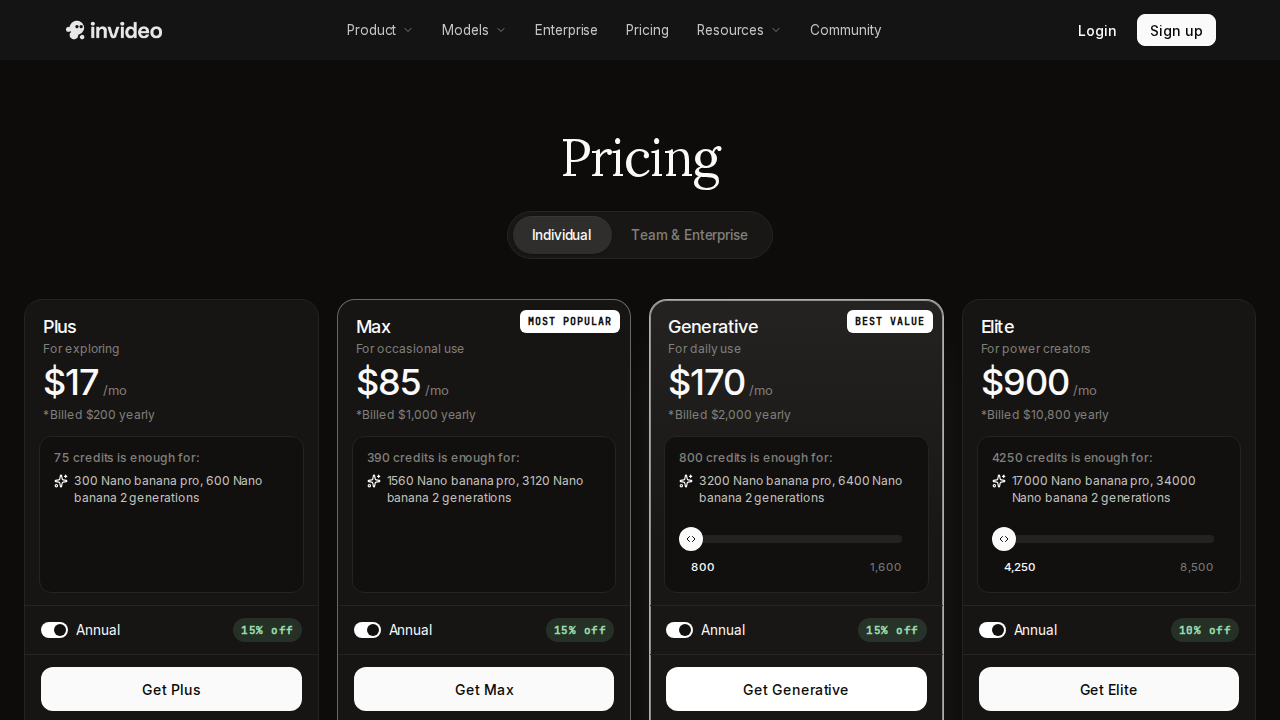
InVideo AI offers a free plan — useful for testing but limited in AI generation minutes and exports. Paid tiers on monthly billing as of 2026:
- Plus — approximately $25/month (around $20/month billed annually): 50 AI generation minutes, 80 iStock downloads per month, 2 voice clones.
- Max — $60/month: 200 AI generation minutes, 4K export, 5 voice clones, 320 iStock assets per month.
- Generative — $120/month: everything in Max plus access to Sora 2 and VEO 3.1 for AI-generated footage instead of stock clips.
One important caveat: InVideo AI generation credits reset monthly. Pictory’s AI credits roll over — a concrete advantage if your upload schedule is irregular or seasonal. Pictory’s entry price is approximately $19/month, making it marginally cheaper at the lowest tier, though InVideo’s free plan lets you test without a credit card.
Pros and Cons
Pros
- Free plan available with no credit card required
- Traditional timeline editor offers more creative control than Pictory’s transcript-only approach
- Voice cloning builds a consistent channel identity across all uploads
- 4K export and AI-generated footage (Sora 2, VEO 3.1) on upper tiers
- 4,000+ templates cover the full range of YouTube formats
- Licensed iStock library reduces monetization risk from copyright claims
Cons
- AI generation credits reset monthly — no rollover unlike Pictory
- Max and Generative plans are significantly more expensive than entry-level competitors
- Not optimized for repurposing existing blog posts or podcast audio (Pictory wins here)
- AI-generated scripts require review before publishing — quality varies by topic
Who Should NOT Use InVideo AI
- Blog-to-video creators — if your core workflow is turning written articles into videos, Pictory’s transcript editor is faster and more accurate for that specific task.
- Podcast clippers — tools purpose-built for audio-first editing handle that workflow better.
- Creators on very tight budgets who post irregularly — Pictory’s credit rollover and lower entry price are a better fit if your output cadence is uneven.
- Teams that need multi-user collaboration features as a priority — verify current team plan availability directly on InVideo’s site before committing.
Verdict
For YouTube creators building original faceless content from scratch, InVideo AI is the stronger pick. The timeline editor, voice cloning, and deep template library give you more creative control than Pictory’s transcript-based approach. The Generative plan’s Sora 2 and VEO 3.1 access is a meaningful step forward for channels that want AI-generated visuals instead of recognizable stock footage.
Pictory wins if your primary use case is repurposing existing written or audio content — its transcript editor and credit rollover policy make it more forgiving for content recyclers.
If you are starting a YouTube channel with no existing content library and want a single tool that handles scripting, voiceover, footage, and export with minimal friction, InVideo AI is the better investment. Start on the free plan, then upgrade to Plus once you find your posting rhythm.
Sources checked
- InVideo AI vs Pictory (2026) — ytzolo.com
- Pictory vs InVideo — pictory.ai official comparison
- Pictory vs InVideo 2026 — fahimai.com
- InVideo vs Pictory AI for YouTube — aiforcreatorshub.com
- InVideo vs Pictory 2026 — marcandrews.com
FAQ
Is InVideo AI better than Pictory for YouTube?
For creating original YouTube videos from a prompt, InVideo AI generally has the edge — its timeline editor, voice cloning, and template library give you more control. Pictory is better suited for converting existing blog posts or podcasts into video.
Does InVideo AI have a free plan?
Yes. InVideo AI offers a free plan with limited AI generation minutes and exports — enough to test the platform before committing to a paid tier.
Do InVideo AI credits roll over?
No. InVideo AI generation minutes reset each month. Pictory’s AI credits do roll over, which is an advantage if your publishing schedule is irregular.
What does the InVideo AI Plus plan cost?
Approximately $25/month on monthly billing, or around $20/month on an annual plan, as of 2026. It includes 50 AI generation minutes, 80 iStock downloads, and 2 voice clones per month.
Can I use InVideo AI for a faceless YouTube channel?
Yes — it is one of the most widely used tools for faceless channels. You can generate a full video (script, voiceover, stock footage, captions) without appearing on camera, starting on the free plan.