What is Notion AI?
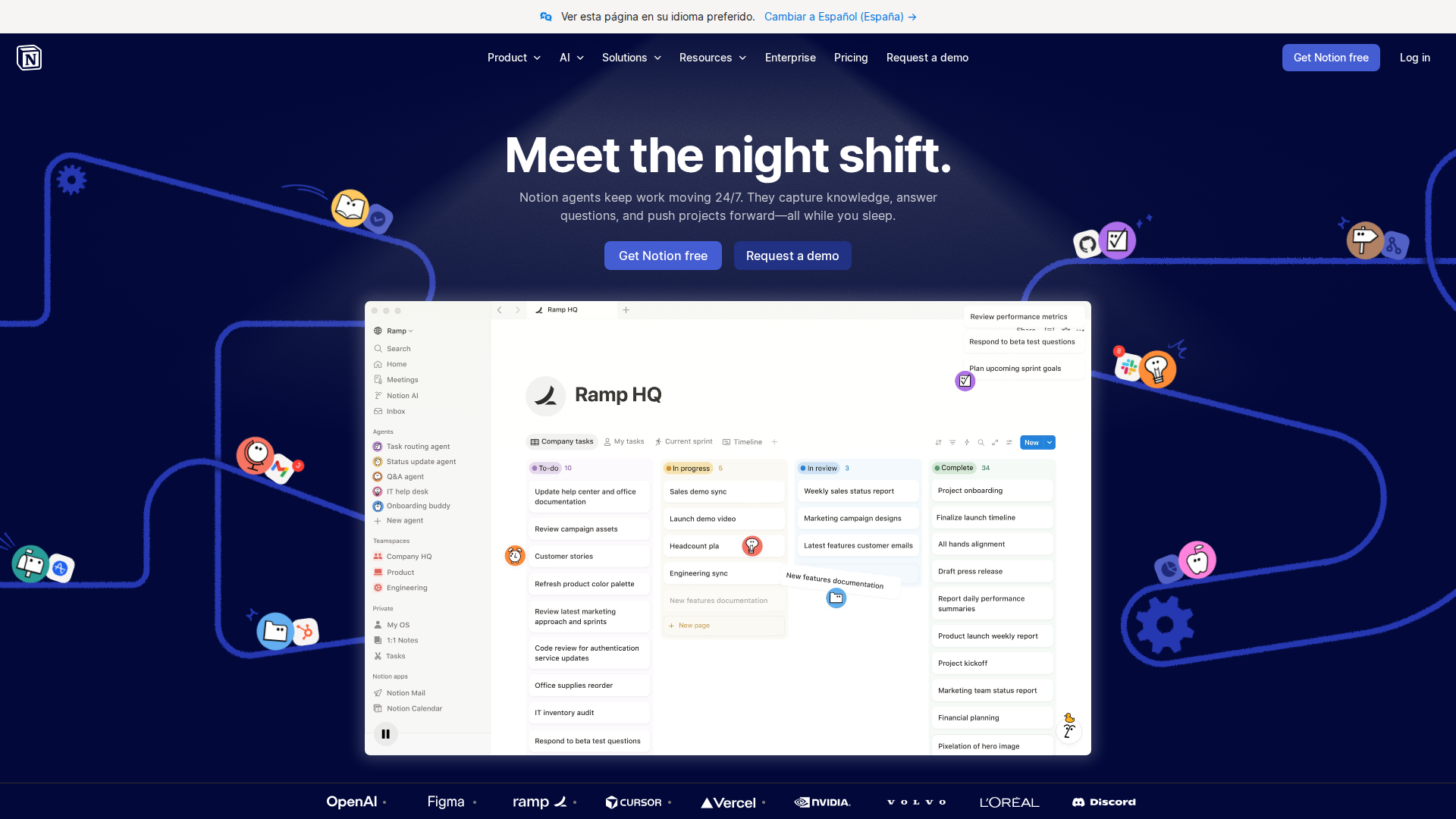
If you’ve been drowning in scattered notes, half-finished docs, and endless copy-paste between ChatGPT and your workspace, this Notion AI review 2026 is exactly what you need. Notion AI is an embedded AI assistant built directly into the Notion workspace — no tab-switching, no API keys, no separate subscription to yet another tool. It sits inside the same environment where your wikis, project boards, and meeting notes already live, making AI-assisted writing and research feel native rather than bolted on.
The core problem Notion AI solves is context fragmentation. Most teams use AI tools that know nothing about their actual work. Notion AI can reference your existing pages, databases, and documents to generate outputs that are grounded in your company’s real information — not just generic internet content. That shift from generic to contextual is what makes it genuinely useful for knowledge workers in 2026.
Key Features
- AI-Powered Q&A (Ask AI): Query your entire Notion workspace in natural language. Ask “What did we decide in last quarter’s roadmap meeting?” and get a sourced answer pulled from your actual pages — not a hallucinated guess.
- AI Writer & Editor: Draft, summarize, rewrite, translate, and adjust tone directly inside any Notion block. Highlight text, hit the spacebar, and the AI operates in-context without leaving the document.
- Autofill in Databases: Add an AI Autofill property to any database and have Notion automatically generate summaries, sentiment scores, categorizations, or custom fields for every row — powerful for CRM notes, content calendars, and task logs.
- Connected AI (Web + Integrations): In 2025–2026, Notion expanded AI to pull from connected tools like Slack, Google Drive, and GitHub, letting the assistant synthesize information across your stack without manual copy-paste.
- AI Templates & Blocks: Pre-built AI blocks for meeting notes, PRDs, weekly reviews, and more. These aren’t just prompts — they’re structured workflows that auto-populate based on linked database content.
Pricing
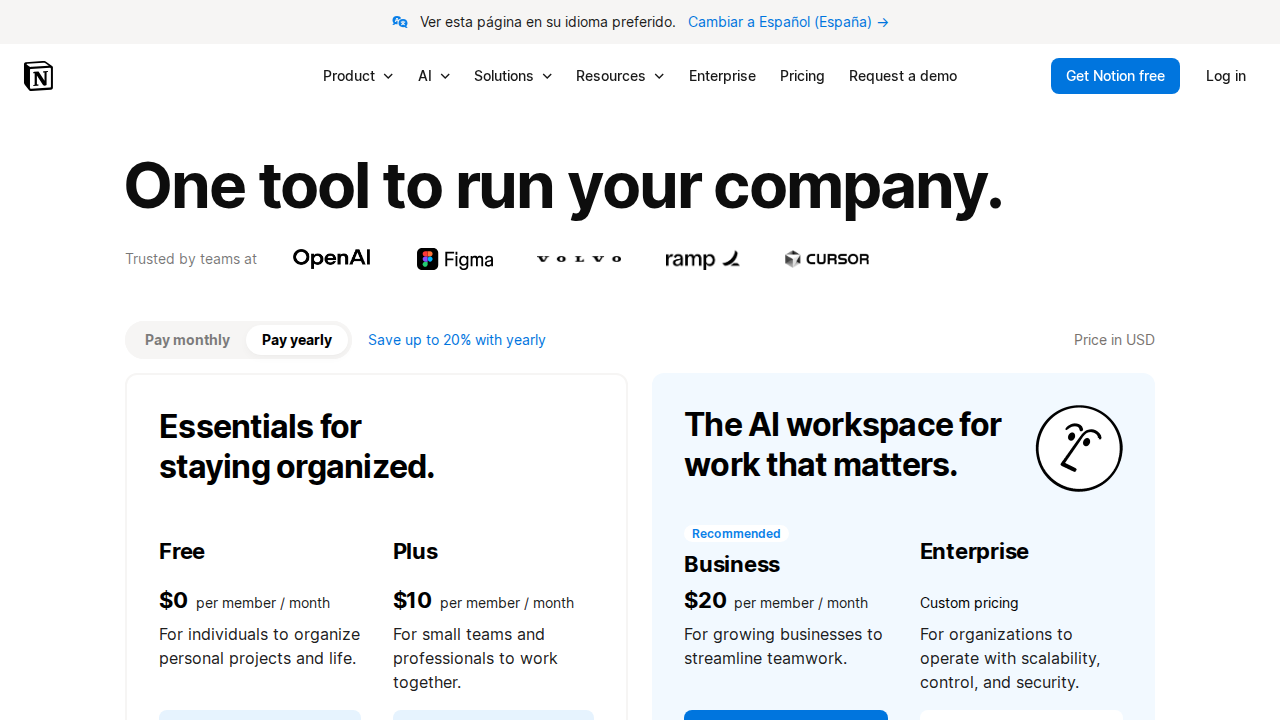
Notion AI is sold as an add-on to any Notion plan, including the free tier. Here’s the current breakdown:
- Free Plan: Notion itself is free for individuals. Notion AI add-on is $10/member/month (billed monthly) or $8/member/month billed annually.
- Plus Plan: $12/month base + $8/month AI add-on (annual) — total ~$20/month for solo users with full AI access.
- Business Plan: $18/member/month base + AI add-on. Designed for teams needing advanced permissions and audit logs.
- Enterprise: Custom pricing. AI included with negotiated contracts. Is it worth it? At $8/month on top of a plan you’re likely already paying for, it’s one of the lower-cost contextual AI add-ons available — and if you’re already living in Notion, the ROI is real.
Pros and Cons
Pros
- Deep workspace context: Unlike standalone AI tools, Notion AI actually knows your documents, making answers far more relevant and actionable.
- Database Autofill is genuinely powerful: Automating summaries and tags across hundreds of database rows saves hours of manual work every week.
- Low friction workflow: No context switching. The AI lives where your work already happens, which means higher adoption across teams.
- Improving rapidly: Notion has shipped meaningful AI updates every quarter — Connected AI and multi-source Q&A are significant 2025–2026 additions.
Cons
- Add-on pricing stacks up for large teams: At $8–$10 per member per month, a 20-person team pays $160–$200/month just for AI — that adds up fast.
- AI Q&A can miss pages: If your workspace isn’t well-organized or pages lack clear titles, the AI search can return incomplete or wrong answers with false confidence.
- Not a replacement for dedicated AI writing tools: For heavy long-form content production, tools like Jasper or Claude still outperform Notion AI in output quality and control.
- Offline/API limitations: There’s no standalone API access for Notion AI, meaning developers can’t build custom pipelines around it the way they can with OpenAI or Anthropic.
Pricing
| Plan | Price | Best For |
|---|---|---|
| Free | $0/month | Individuals exploring basic Notion features |
| Plus + AI | $16/month per user | Freelancers and small teams wanting AI assistance |
| Business + AI | $22/month per user | Growing teams needing advanced collaboration and AI tools |
| Enterprise + AI | Custom pricing | Large organizations requiring security, compliance, and dedicated support |
Who Should NOT Use Notion AI
If your team doesn’t already use Notion as a primary workspace, Notion AI makes zero sense — you’d be adopting an entire platform just to access an AI add-on, when purpose-built tools would serve you better. It’s also a poor fit for developers or data teams who need programmatic AI access, custom model selection, or fine-tuned outputs, since Notion AI offers none of those capabilities.
My Verdict
Notion AI earns a 8.5 out of 10 in 2026. It’s the best AI assistant for teams already embedded in the Notion ecosystem — contextual, low-friction, and increasingly capable with each update. It won’t replace a dedicated AI writing suite or a developer-grade LLM integration, but for knowledge workers who live in Notion daily, it’s a genuine productivity multiplier that costs less than a Netflix subscription per month.
Best for: Startups, product teams, consultants, and solopreneurs who use Notion as their operating system.
FAQ
Is Notion AI worth it in 2026 compared to ChatGPT?
They solve different problems. ChatGPT is a general-purpose AI with broad knowledge; Notion AI is contextual and works with your actual workspace data. If you’re already in Notion daily, the combination of both — Notion AI for internal knowledge and ChatGPT for external research — is the power move.
What’s new in Notion AI for 2026?
The biggest additions are Connected AI (pulling from Slack, Drive, and GitHub) and significantly improved multi-document Q&A accuracy. Notion has also expanded AI Autofill properties to support custom formula-style prompts, making database automation far more flexible than it was in 2024.
Is there a free trial for Notion AI in 2026?
Yes — Notion offers a limited free trial of Notion AI features on any plan so you can test Q&A and the AI writer before committing to the $8–$10/month add-on. It’s a low-risk way to see whether the contextual features actually work with your specific workspace setup.