
What is Notion AI?
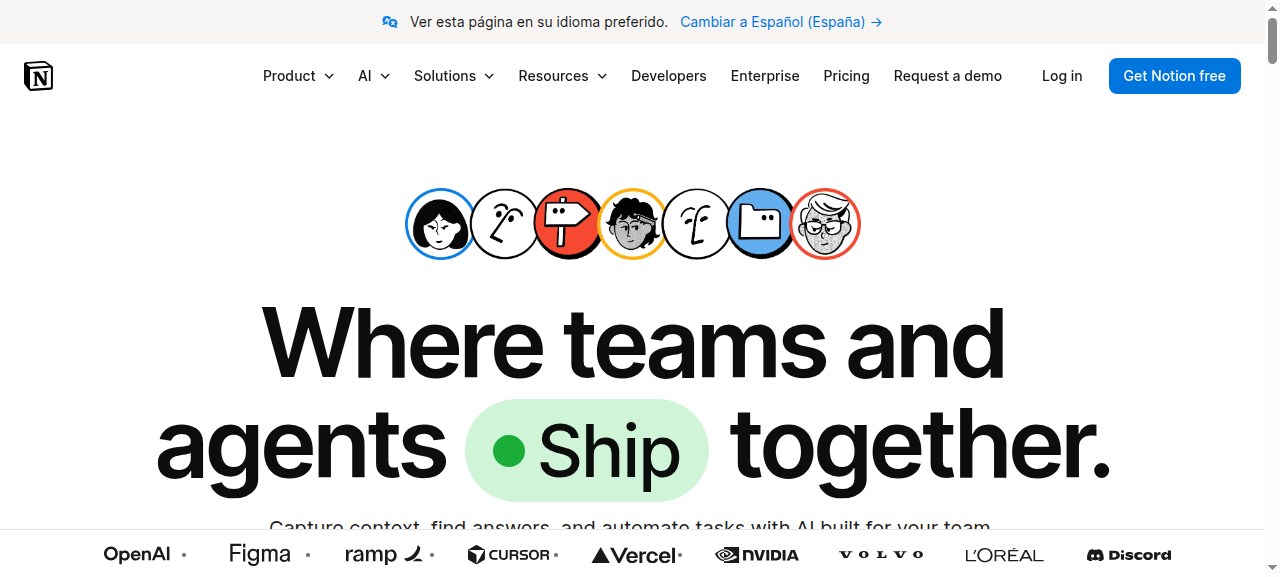
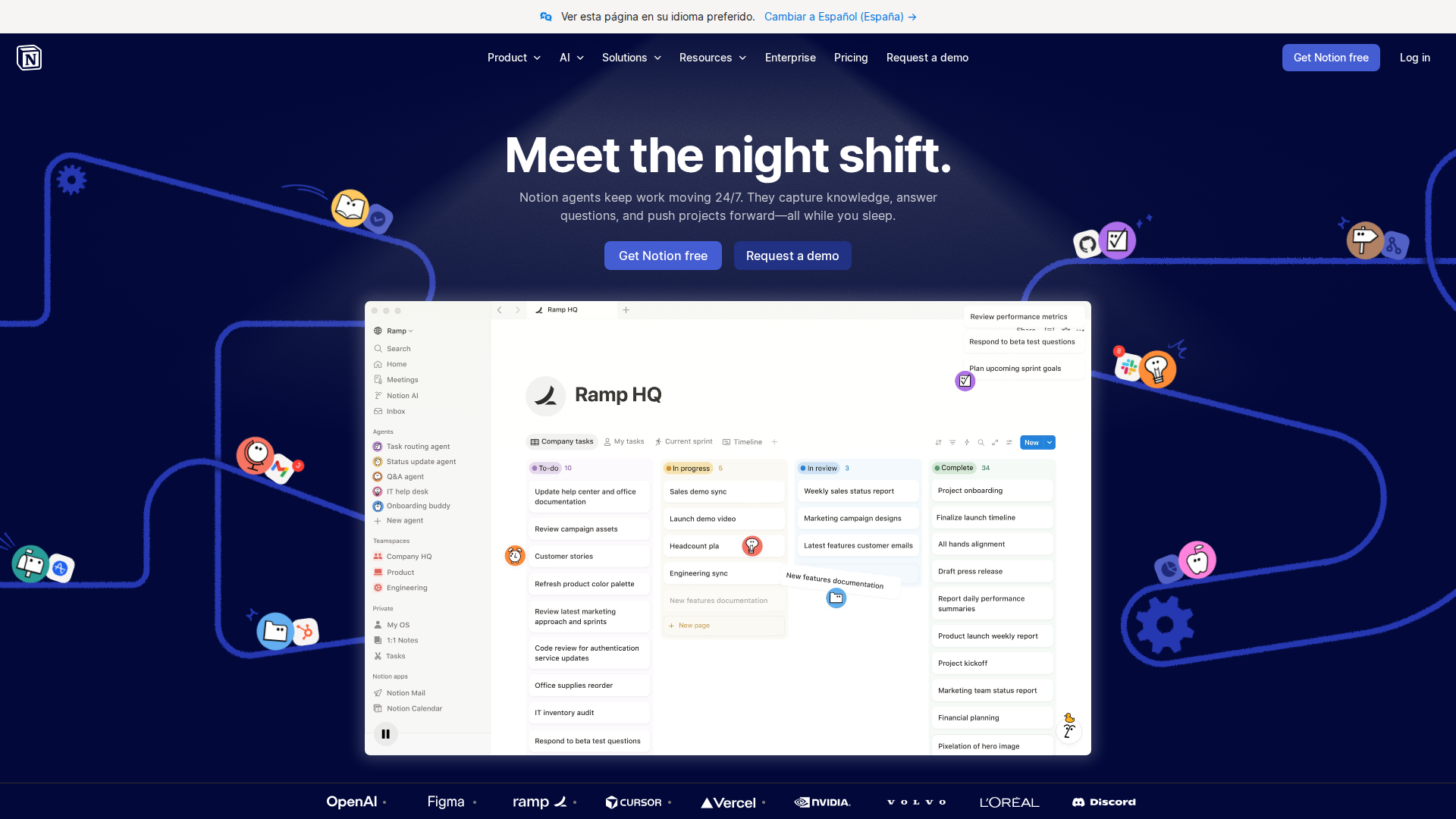
Notion AI is an integrated AI assistant built directly into the Notion workspace — the same app millions of students already use for notes, tasks, and project management. Unlike standalone AI tools, Notion AI operates inside your existing pages and databases, letting you summarize lecture notes, generate flashcards, extract action items, and ask questions without switching tabs or copying content between apps.
According to Notion’s own documentation, the assistant is designed to help you ‘think bigger, work faster’ right inside the workspace you are already familiar with — no need to bounce between tools to improve writing or extract insights.
Key Features for Students
- Auto Summaries — Paste or write lecture notes and Notion AI distills them into clean bullet-point summaries in seconds.
- Flashcard Generation — Highlight a study block and ask AI to create Q&A flashcards from your notes. No manual card creation needed.
- Q&A Across Your Workspace — Ask questions like ‘What did my biology notes say about osmosis?’ and Notion AI searches across your pages to answer.
- Writing Assistance — Drafts, edits, and improves essays or lab reports directly inside your note pages.
- Action Items Extraction — Converts unstructured class or meeting notes into a structured to-do list automatically.
- Translation and Rewriting — Useful for international students or when studying materials in a second language.
How Students Use It for Study Notes
The core student workflow is straightforward: take notes during class (or paste in a reading excerpt), then invoke Notion AI with a slash command. You can ask it to summarize the page, create a study guide, turn bullet points into flashcards, or explain a concept in simpler terms. Because it operates inside your existing note structure, the output lands right next to your original notes.
Multiple 2026 reviews highlight the flashcard and summary features as the most used by students, with the workspace-native experience cited as a key differentiator over tools like ChatGPT, which require you to copy content out and back in manually.
Pricing
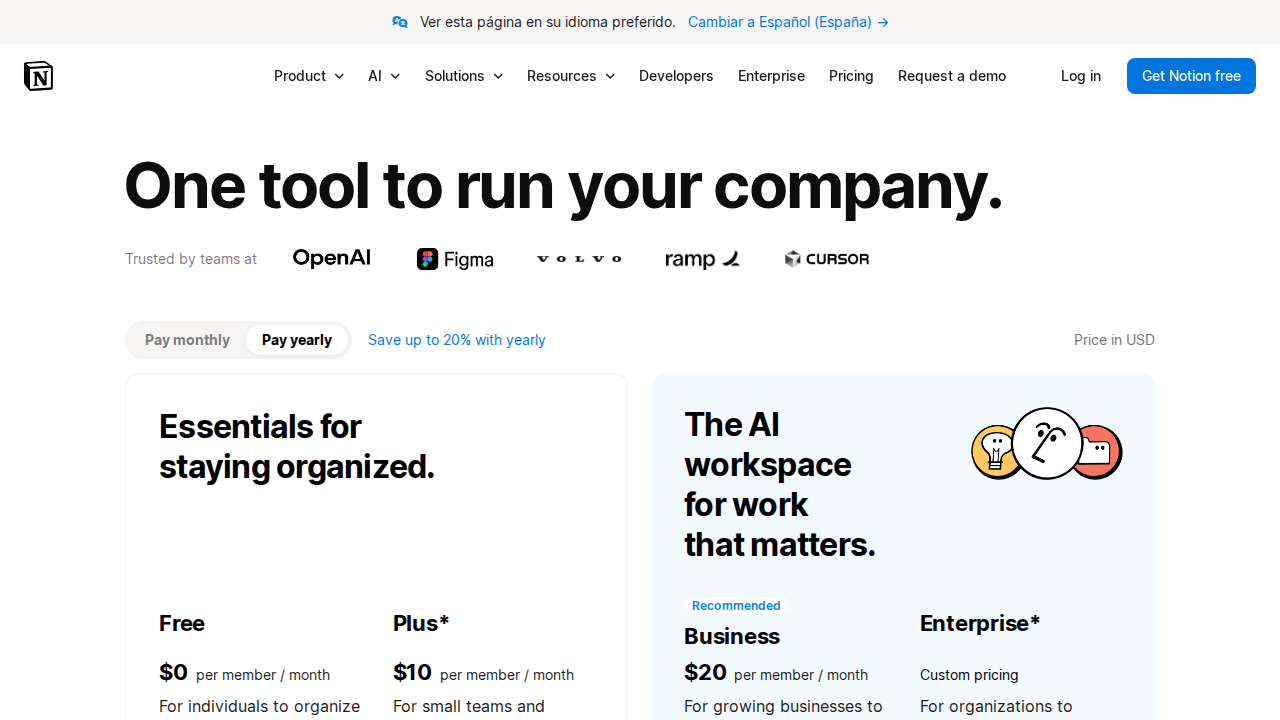
Notion AI is an add-on to the Notion workspace, priced at $10 per user per month — confirmed by multiple independent reviewers in 2026. Notion itself offers a free tier, and students may qualify for Notion’s education plan, which can reduce or eliminate the cost. Verify current student eligibility and what the education plan includes directly on Notion’s website, as terms can change.
If budget is a constraint, note that several reviewers compare it to ChatGPT Plus as an alternative, though ChatGPT lacks native Notion integration and requires manual copy-paste for your notes.
Pros and Cons
Pros
- Deeply integrated — no context switching between tools
- Flashcard and summary generation works reliably on structured notes
- Free student plan available for eligible users
- Q&A spans your entire workspace, not just a single page
- Continuously updated as part of the broader Notion platform
Cons
- AI features can feel ‘grafted on’ compared to AI-native tools built from the ground up around AI
- Only useful if Notion is already your primary note-taking environment
- $10/month add-on cost on top of paid Notion plans adds up over an academic year
- Some users report frustration with billing transparency, with documented complaints on public forums
- Less capable for complex multi-source research queries than dedicated AI research tools
Who Should NOT Use Notion AI
- Students who do not use Notion — The value is entirely tied to the Notion ecosystem. If you take notes in Obsidian, Google Docs, or a paper notebook, you will see zero benefit.
- Students wanting dedicated spaced-repetition flashcards — Tools like Anki offer more sophisticated repetition scheduling than Notion AI’s flashcard generation.
- Budget-constrained students needing broad AI capabilities — If you also need coding help, image generation, and deep research in one tool, a more general AI assistant may offer more per dollar.
- Students who need offline access — Notion AI requires an active internet connection to function.
Verdict
For students already living inside Notion, the AI add-on is a genuine productivity upgrade. The ability to generate summaries, flashcards, and action items without leaving your notes removes real friction from the study workflow. The free education plan makes it accessible to many without paying the full $10/month add-on fee.
The main caveat is ecosystem lock-in: if Notion is not already your home base, this tool will not convert you. And if you need the most powerful AI reasoning available, specialized tools will outperform it. But as an integrated study notes generator for the Notion-native student, it earns a strong recommendation in 2026.
Rating: 8.0 / 10
FAQ
Is Notion AI free for students?
Notion offers an education plan that students can apply for, which may include access to AI features. Check Notion’s website for current eligibility requirements, as terms can change.
Can Notion AI generate flashcards automatically?
Yes. Select a block of notes and ask Notion AI to generate Q&A-style flashcards, which it outputs directly on your page in your existing workspace.
Does Notion AI work offline?
No. Notion AI requires an internet connection to generate responses.
How is Notion AI different from ChatGPT for studying?
Notion AI is embedded in your notes workspace and can reference your own pages and databases. ChatGPT is a separate tool you would need to copy content into. Notion AI trades raw AI power for deep workspace integration.
What is the Notion AI price in 2026?
Notion AI is available as an add-on at $10 per user per month. Students may qualify for a free or discounted education plan. Confirm current pricing at notion.so.
Sources checked:

![Socratic vs ChatGPT for Homework Help [2026]](/images/posts/socratic-vs-chatgpt-homework-help-hero.jpg)